TL;DR: AI coding tools now write 41% of all code and can reduce task completion time by 50-80%. GitHub Copilot, Cursor, and Claude lead the pack for developer productivity in 2026.
What’s your biggest dev challenge?
Select your situation below.
You need developers who already know these tools. Our AI/ML engineers in Southeast Asia average $3,500-6,500/month and come trained on GitHub Copilot, Claude, and Cursor. They’re 40% more cost-effective than US hires while delivering the same 50% productivity gains. Hire AI engineers now →
You’re weighing $19-39/month per seat against potential savings. With developers saving 10+ hours weekly, the ROI is clear. Our rate card shows how Southeast Asian developers at $3,500/month using AI tools cost less than US juniors at $8,000/month without them. Compare developer rates →
You need to grow your engineering team fast without the hiring burden. Our EOR service handles payroll, compliance, and benefits for your Southeast Asian developers. They come equipped with AI tools and deliver the 55.8% faster completion rates mentioned in this guide. Get EOR pricing →
You’re struggling to find developers skilled in both AI tools and your tech stack. Our talent sourcing connects you with Southeast Asian engineers who’ve passed technical assessments and already use Copilot, Cursor, and Claude daily. Average time-to-hire: 14 days. Source AI developers →
In 2025, 84% of developers use AI tools that now write 41% of all code. This represents a seismic shift in how software gets built.
According to Atlassian’s State of Developer Experience survey, 99% of developers report that AI tools save them time, with 68% saving more than ten hours per week.
The productivity gains are substantial. GitHub’s controlled study found that developers using AI assistants completed tasks 55.8% faster than those without.
Teams report saving 30-60% of time on routine coding and testing tasks when AI tools are properly integrated into their workflows.
But not all AI developer tools deliver equal value. This guide covers the ten tools that consistently demonstrate 50% or greater time savings across real development teams, helping you decide where to invest for your engineering team.
Top Tool Comparison Summary
| Tool | Best For | Time Savings | Starting Price | Privacy Option |
|---|---|---|---|---|
| GitHub Copilot | General coding | 55% | $10/month | Enterprise only |
| Cursor | AI-native IDE | 40-60% | Free | No |
| Claude | Code review, architecture | 50-70% | Free | API option |
| Amazon Q | AWS development | 57% | Free | Enterprise only |
| Windsurf | Agentic coding | 50-65% | Free | No |
| Tabnine | Privacy-focused teams | 30-50% | Free | Yes (on-premise) |
| Qodo | Testing and QA | 50% | Free | Enterprise only |
| Sourcegraph Cody | Code search | 40-60% | Free | Enterprise only |
| Replit AI | Rapid prototyping | 50-70% | Free | No |
| v0 | Frontend/UI | 60-80% | Free | No |
1. GitHub Copilot
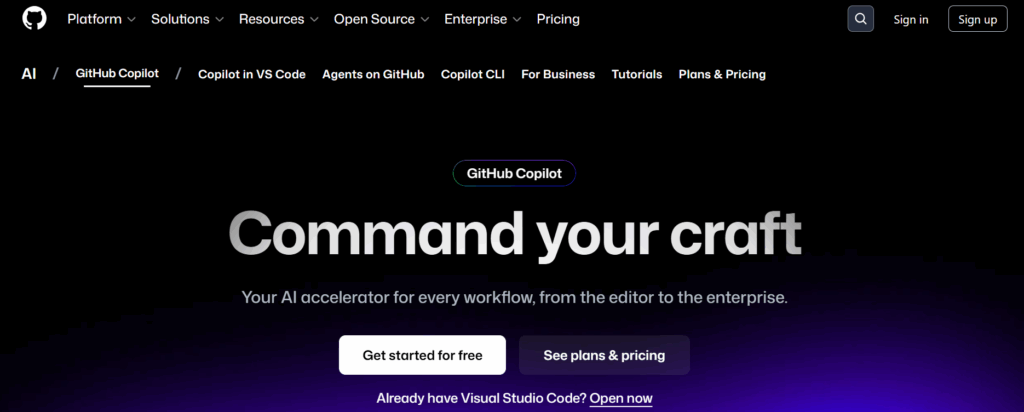
GitHub Copilot remains the most widely adopted AI coding assistant, with enterprise customers including Shopify achieving over 90% developer adoption. The tool now handles everything from code completion to complex function generation.
Time Savings
In controlled studies, developers using Copilot completed tasks in 1 hour 11 minutes compared to 2 hours 41 minutes without it. That translates to 55.8% faster task completion.
Shopify developers accept more than 24,000 lines of AI-generated code daily.
Key Features
- Code Completion: Context-aware suggestions that understand your codebase
- Chat Interface: Natural language queries for explaining code and debugging
- Multi-file Awareness: Understands project structure for relevant suggestions
- Test Generation: Automatically creates unit tests based on function signatures
Pricing
- Individual: $10/month
- Business: $19/user/month
- Enterprise: $39/user/month
2. Cursor
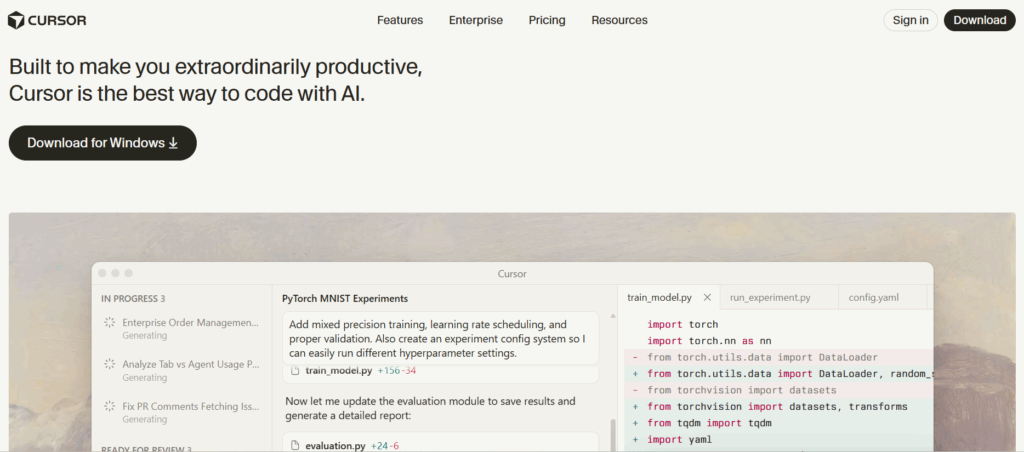
Cursor has emerged as the leading AI-native IDE, building AI capabilities directly into the development environment rather than adding them as plugins. This deep integration enables features that traditional IDE extensions cannot match.
Time Savings
Developers report 40-60% reduction in time spent on code navigation, refactoring, and debugging.
The tool’s ability to understand entire codebases and make multi-file changes in a single command dramatically accelerates complex modifications.
Key Features
- Codebase Awareness: Indexes your entire project for context-aware suggestions
- Multi-file Editing: Apply changes across multiple files with natural language
- Composer Mode: Build features by describing what you want in plain English
- Terminal Integration: AI assistance for command-line operations
Pricing
- Hobby: Free (limited requests)
- Pro: $20/month
- Business: $40/user/month
Cursor works particularly well for teams building new features or refactoring legacy codebases. Its ability to understand project context makes it valuable for full-stack developers working across multiple layers.
3. Claude (Anthropic)

Claude has become the preferred AI assistant for complex reasoning tasks, code review, and architectural discussions.
While not a traditional code completion tool, Claude excels at understanding nuanced requirements and generating well-structured solutions.
Time Savings
Teams report 50-70% time savings on code review, documentation, and complex debugging sessions. Claude’s ability to analyze large codebases and provide detailed explanations makes it particularly effective for onboarding new team members.
Key Features
- 200K Token Context: Analyze entire repositories in a single conversation
- Code Review: Detailed analysis of code quality and security issues
- Architecture Planning: Help designing systems and evaluating tradeoffs
- Documentation Generation: Create comprehensive docs from code analysis
Pricing
- Free: Limited access to Claude 3.5 Sonnet
- Pro: $20/month
- Team: $30/user/month
- API: Pay-per-token pricing
4. Amazon Q Developer
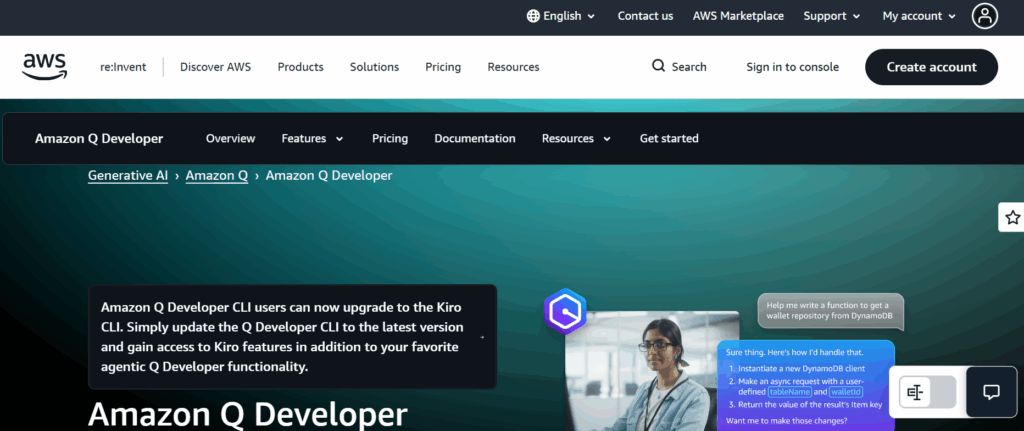
Amazon Q Developer provides AI assistance across the entire software development lifecycle. Its deep integration with AWS services makes it particularly valuable for cloud-native development.
Time Savings
AWS reports that developers using Q Developer complete tasks up to 57% faster. The tool’s ability to generate infrastructure-as-code and automate AWS configurations provides significant time savings for cloud deployments.
Key Features
- Code Generation: Context-aware suggestions for 15+ programming languages
- Security Scanning: Built-in vulnerability detection as you code
- AWS Integration: Specialized assistance for AWS services
- Code Transformation: Automated upgrades for Java and .NET applications
Pricing
- Free Tier: Individual developers (unlimited code suggestions)
- Pro: $19/user/month
Organizations building on AWS infrastructure benefit significantly from Q Developer’s native understanding of AWS services. Cloud engineers can generate CloudFormation templates with natural language prompts.
5. Windsurf
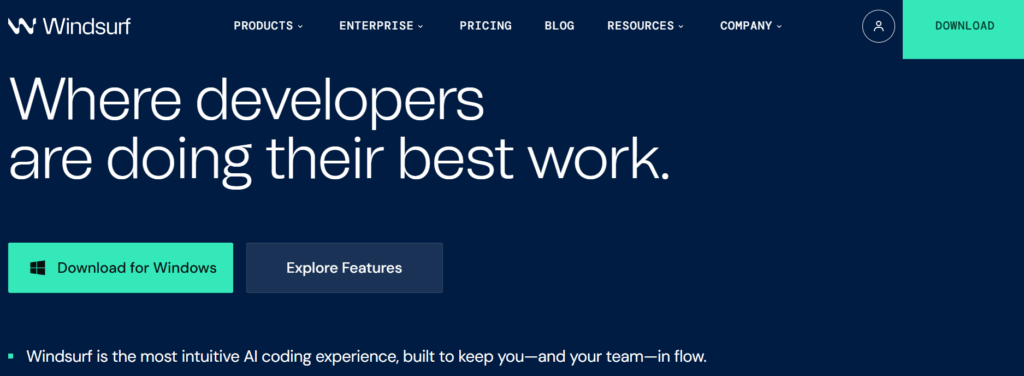
Windsurf positions itself as the world’s most advanced AI coding assistant with a focus on keeping developers in flow state. Built by Codeium, it combines IDE capabilities with agentic AI that can autonomously execute multi-step tasks.
Time Savings
Users report 50-65% reduction in time spent on repetitive coding tasks. Windsurf’s Cascade feature handles complex operations that typically require multiple manual steps.
Key Features
- Cascade: Agentic AI that plans and executes multi-step coding tasks
- Flows: Automated workflows for common development patterns
- Deep Context: Understands your codebase, dependencies, and coding style
- Real-time Collaboration: AI assistance aware of team coding patterns
Pricing
- Free: Basic features with usage limits
- Pro: $15/month
- Teams: Custom pricing
6. Tabnine
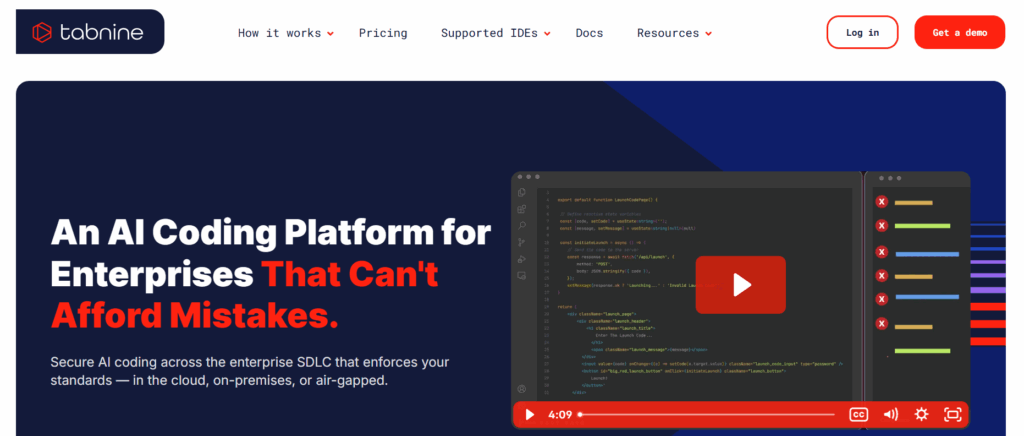
Tabnine differentiates itself through its focus on privacy and customization. Unlike competitors that send code to external servers, Tabnine offers on-premise deployment options and trains on ethically sourced data with zero data retention.
Time Savings
Organizations report 30-50% reduction in time spent writing boilerplate code. Tabnine’s ability to learn from your codebase means suggestions improve over time.
Key Features
- Private Deployment: Run entirely on your infrastructure
- Team Learning: AI models trained on your team’s code patterns
- IDE Support: Works with all major IDEs and code editors
- Compliance Ready: SOC 2 certified with zero data retention
Pricing
- Basic: Free (limited features)
- Pro: $12/month
- Enterprise: Custom pricing
7. Qodo (formerly Codium AI)
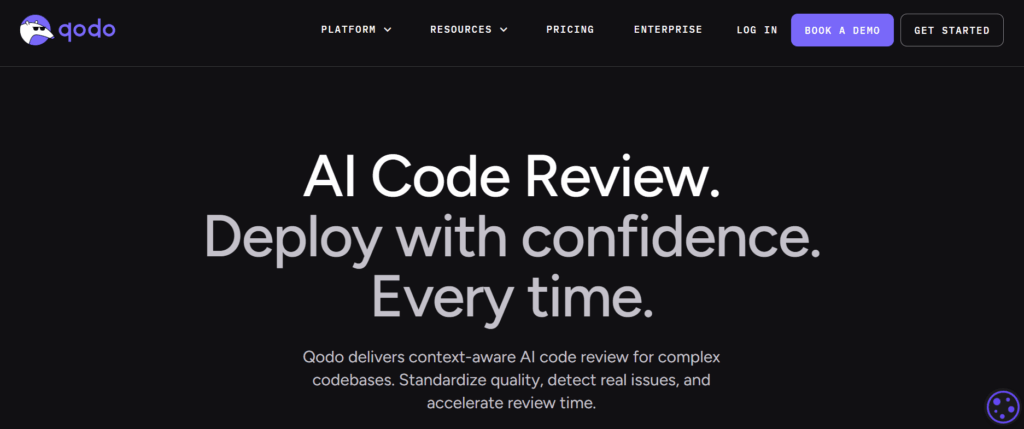
Qodo focuses specifically on code integrity, specializing in test generation and code review. Rather than trying to do everything, it excels at ensuring code quality through automated testing.
Time Savings
Teams report up to 50% faster unit test generation. AI-assisted QA reduces overall testing time by up to 50% and improves test coverage by 30%.
Key Features
- Test Generation: Automatically creates comprehensive test suites
- Code Review: AI-powered analysis that catches bugs before production
- Coverage Analysis: Identifies gaps in test coverage
- PR Review: Automated code review for pull requests
Pricing
- Free: Individual developers
- Teams: $19/user/month
- Enterprise: Custom pricing
Qodo integrates well with CI/CD pipelines, making it valuable for teams prioritizing code quality. DevOps engineers can configure automated test generation as part of the workflow.
8. Sourcegraph Cody
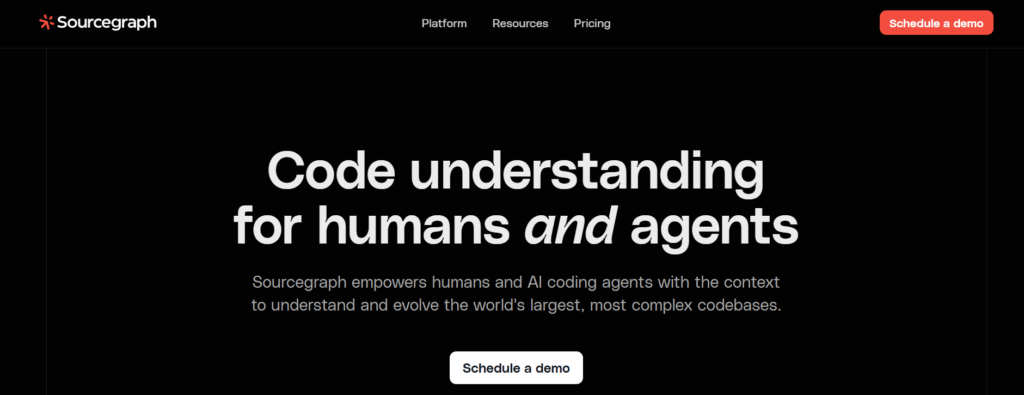
Sourcegraph Cody combines AI coding assistance with powerful code search capabilities.
Built on Sourcegraph’s code intelligence platform, Cody understands your entire codebase and can answer questions about code anywhere in your organization.
Time Savings
Organizations report 40-60% reduction in time spent understanding unfamiliar code. Cody’s ability to explain complex codebases makes onboarding significantly faster.
Key Features
- Codebase Search: Natural language queries across your entire repository
- Code Explanation: Detailed explanations of how any code works
- Context Awareness: Understands your organization’s patterns
- Multiple LLM Support: Choose between Claude, GPT-4, and other models
Pricing
- Free: Individual use with limited features
- Pro: $9/month
- Enterprise: Custom pricing
9. Replit AI
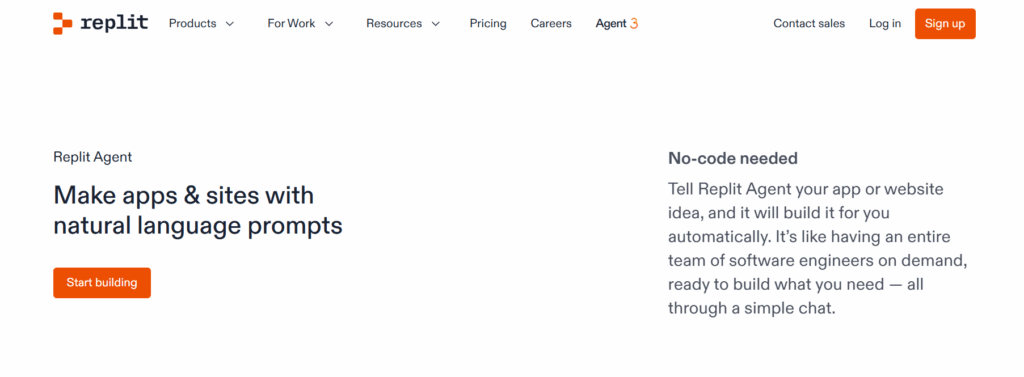
Replit AI provides AI-powered development in a cloud-based environment, eliminating setup time and enabling instant coding from anywhere. The platform’s AI agent can build complete applications from natural language descriptions.
Time Savings
Teams report 50-70% reduction in time from idea to working prototype. Replit’s zero-setup environment combined with AI assistance makes it possible to go from concept to deployed application in hours.
Key Features
- AI Agent: Build complete applications from natural language prompts
- Instant Environment: No setup required for any programming language
- One-click Deploy: Deploy applications directly from the IDE
- Collaborative Coding: Real-time multiplayer development
Pricing
- Free: Basic features and limited compute
- Replit Core: $25/month
- Teams: $40/user/month
10. v0 by Vercel
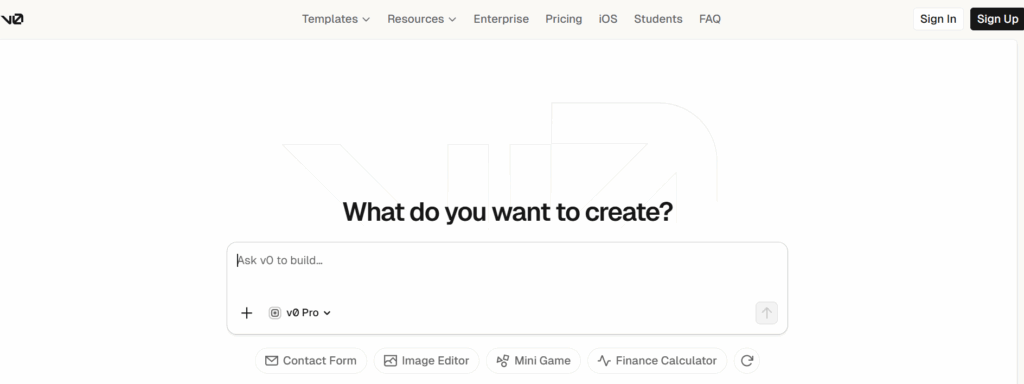
v0 specializes in generating production-ready UI components from text descriptions or images. For frontend development, it dramatically accelerates the creation of user interfaces using React, Next.js, and Tailwind CSS.
Time Savings
Frontend developers report 60-80% reduction in time spent creating UI components. The ability to generate complete, styled components from screenshots eliminates hours of manual implementation.
Key Features
- Image to Code: Upload a design and get working React components
- Text to UI: Describe what you want and receive production-ready code
- Component Library: Generates code using shadcn/ui and Tailwind CSS
- Iteration: Refine generated components through conversation
Pricing
- Free: Limited generations per month
- Premium: $20/month
v0 is essential for teams building React applications. Web designers can generate code directly from mockups, bridging design and implementation.
Pricing Comparison
| Tool | Free Tier | Pro | Team | Enterprise |
|---|---|---|---|---|
| GitHub Copilot | No | $10/month | $19/user/month | $39/user/month |
| Cursor | Yes | $20/month | $40/user/month | Custom |
| Claude | Yes | $20/month | $30/user/month | Custom |
| Amazon Q | Yes | $19/month | $19/user/month | Custom |
| Windsurf | Yes | $15/month | Custom | Custom |
| Tabnine | Yes | $12/month | Custom | Custom |
| Qodo | Yes | N/A | $19/user/month | Custom |
| Cody | Yes | $9/month | Custom | Custom |
| Replit | Yes | $25/month | $40/user/month | Custom |
| v0 | Yes | $20/month | N/A | N/A |
Implementation Best Practices
Adopting AI developer tools effectively requires more than just purchasing licenses. Research from GitHub and Microsoft indicates it takes approximately 11 weeks for developers to fully realize productivity gains.
Start with High-Impact Use Cases
Focus initial adoption on areas where AI tools deliver the clearest value: writing boilerplate code, generating tests, and explaining unfamiliar codebases. These use cases show immediate time savings while developers build familiarity.
Establish Review Practices
AI-generated code requires human review. Academic studies found 29.1% of generated Python code contains security weaknesses. Establish clear guidelines for reviewing AI suggestions.
Measure Actual Impact
Track metrics before and after AI tool adoption. Key indicators include pull request velocity, time to merge, bug rates, and developer satisfaction.
Faros AI research suggests that perceived productivity gains often exceed actual measured improvements.
Common Pitfalls to Avoid
Over-reliance on AI Suggestions
Projects that relied too heavily on AI saw 41% more bugs and a 7.2% drop in system stability. AI tools work best as assistants, not replacements for engineering judgment.
Security Vulnerabilities
Repositories using Copilot show 6.4% secret leakage rates, 40% higher than typical repositories. Implement automated security scanning in CI/CD pipelines.
ROI Calculation Framework
For teams evaluating AI developer tool investments, here is a simple ROI framework:
- Annual productivity value at 25% gain for 10 developers: $375,000
- Tool costs at $30/user/month: $3,600
- First-year adjusted ROI (accounting for ramp-up): approximately $280,000
- ROI multiple: 77x tool cost
Building Your AI-Augmented Team
The most effective approach combines AI tools with skilled developers who know how to use them effectively.
According to Stack Overflow’s 2025 Developer Survey, developers who embrace AI tools while maintaining strong fundamentals deliver the best results.
When building or expanding your engineering team, look for developers who demonstrate both technical depth and adaptability to new tools. The vetting process should evaluate candidates’ ability to critically review AI-generated code.
For organizations scaling AI-augmented development teams, AI developers who understand both the capabilities and limitations of these tools are particularly valuable.
Conclusion
AI developer tools have moved from experimental to essential. With 84% of developers now using AI assistance and documented time savings of 30-80% on specific tasks, teams that fail to adopt these tools risk falling behind competitors.
The ten tools covered in this guide represent the current state of the art for developer productivity.
GitHub Copilot remains the default choice for general-purpose coding assistance, while specialized tools like Qodo (testing), v0 (frontend), and Tabnine (privacy-focused) excel in specific domains.
Success requires thoughtful implementation: start with high-impact use cases, establish code review practices, measure actual outcomes, and maintain the human judgment that ensures code quality.
Teams that get this balance right can achieve the 50%+ productivity gains that justify the investment many times over.
Hire vetted remote developers with Second Talent to build an engineering team equipped to leverage AI tools effectively and deliver software faster without sacrificing quality.