TL;DR: Clever AI Humanizer is the pick for most recruiters: it is free, takes 3,000 words a request and has an AI checker built in. ezHumanizer is the cheapest paid upgrade at $5 a month on annual billing, and Grammarly suits teams that already write in it. Keep candidate details out of WriteHuman's web app, which trains on what you paste with no opt-out.
LinkedIn studied tens of millions of recruiter InMails and found that messages sent one at a time drew roughly 15% more responses than bulk sends. Candidates can tell a template from a note.
An AI humanizer rewrites a ChatGPT draft so the outreach email, job ad or rejection letter stops reading like one. I picked the ten below for recruiting copy, not student essays.
Quick comparison
| Tool | Free tier | Cheapest paid plan | AI checker | Trains on your text |
|---|---|---|---|---|
| Clever AI Humanizer | Free, 3,000 words a request | No paid plan | Yes, free | No |
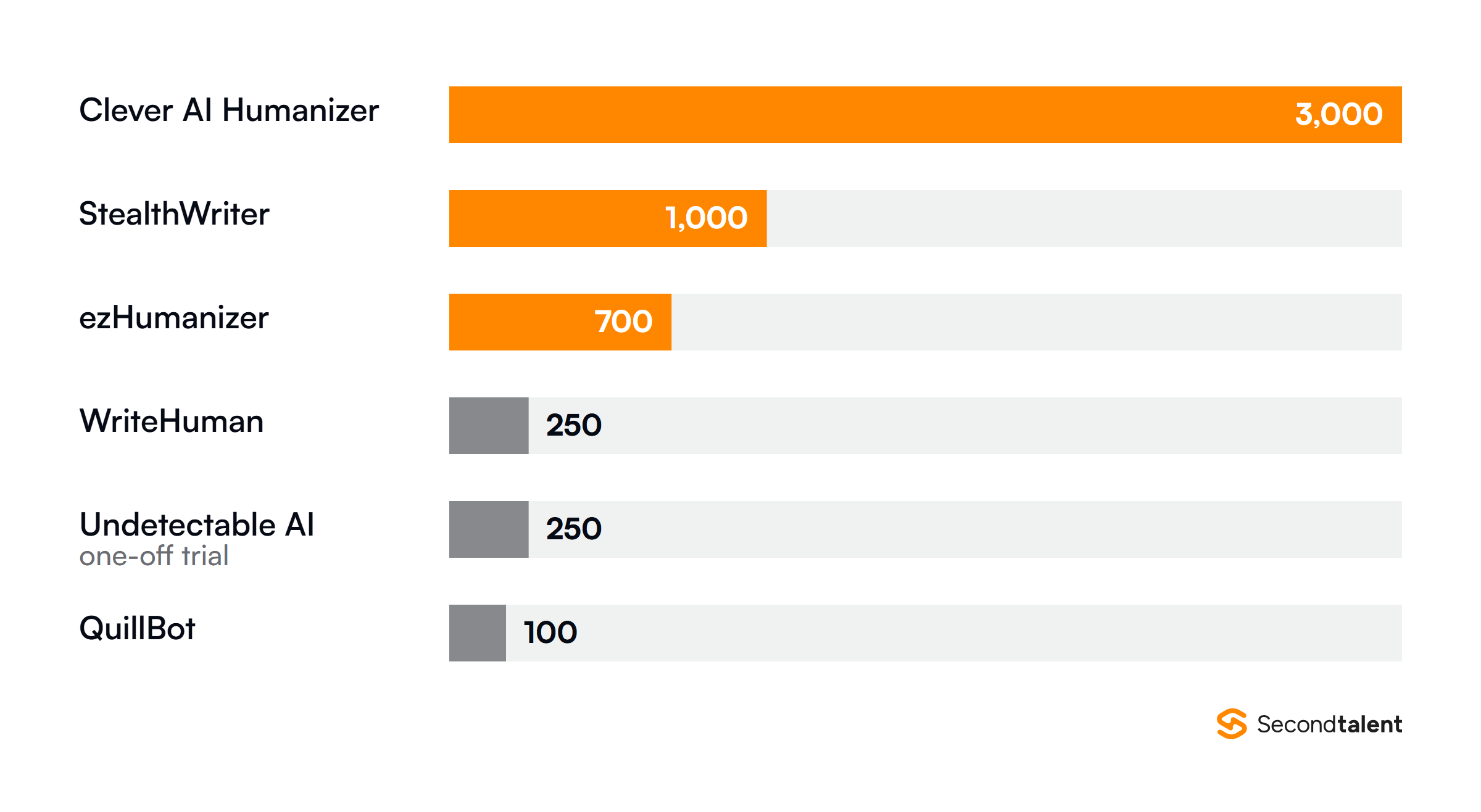
| ezHumanizer | 2,500 credits, 700 words a run | $5/mo yearly, $6 monthly | No | No |
| QuillBot | 100 words a run | $8.33/mo yearly | Separate tool | Not stated |
| Grammarly | Basic humanizing | Pro, $12/mo | Separate tool | Opt-out |
| WriteHuman | 3 runs a month | $12/mo yearly | Yes | Yes, web app |
| Undetectable AI | 250-word trial | $5/mo yearly | Yes | Not stated |
| Phrasly | $2 three-day trial | $10.99/mo yearly | Yes | No |
| HIX Bypass | Trial | $9.99/mo yearly | Yes | Not stated |
| StealthWriter | 10 runs a day | $20/mo | Yes | No |
| Humbot | 200 words on sign-up | Basic plan | Yes | No |
- 1Only three of the ten name GDPR on their own pages: Clever, WriteHuman and Humbot.
- 2Grammarly states its humanizer is not intended to bypass AI detectors; Undetectable AI refunds you if its output gets flagged.
- 3StealthWriter counts quotas per day, not per month, which suits a recruiter who rewrites a few messages daily.
- 4Greenhouse found 39% of US job seekers have rewritten an application so it would not pass for AI.
1. Clever AI Humanizer
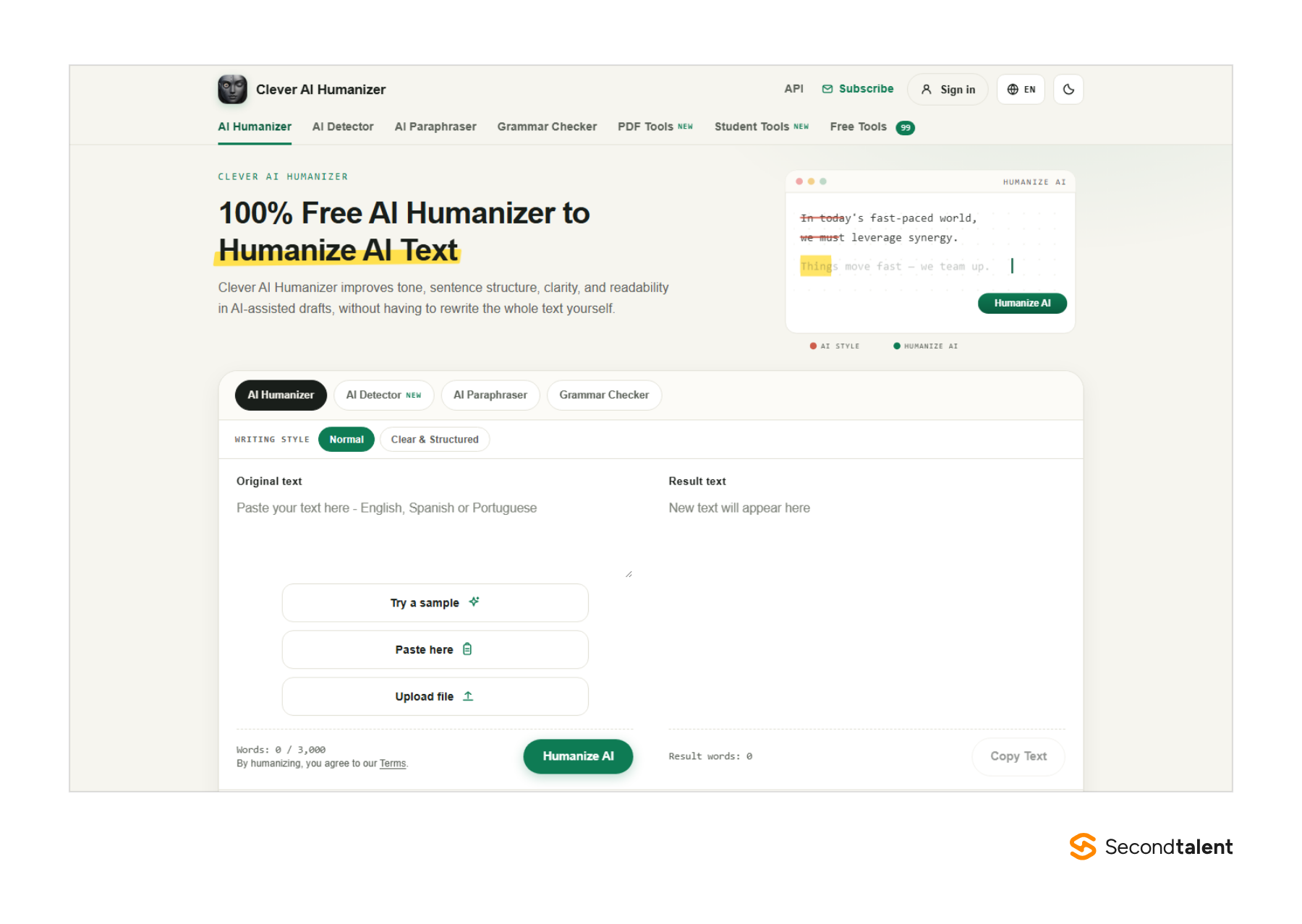
Clever AI Humanizer is for recruiters who want one free place to fix an AI draft before it reaches a candidate. Clever AI Humanizer rewrites the text sentence by sentence and keeps your facts, job title and keywords.
It also bundles a paraphraser and a grammar checker in the same editor.
The free AI Checker is the part a hiring team uses most. You paste a job description, see which lines read as machine-written, then humanize only those.
The Clear & Structured style suits job ads with bullet lists; Normal suits a two-paragraph outreach email. It works in English, Spanish and Brazilian Portuguese.
Nothing sits behind a paywall. The site removed its old 200,000-word monthly cap, so one request of up to 3,000 words is the real limit. That fits a full job ad plus three email variants in one paste, which no other free tier here matches.
Candidate data gets careful handling. Guests need no account, and the service keeps only the first 100 characters of guest text, for two days. Signed-in history lasts 30 days.
Its privacy policy says it does not train AI models on your content and covers GDPR and UK GDPR rights.
- Best for: recruiters and small HR teams who want to humanize, check and proofread job ads and outreach at no cost.
- Where it struggles: no team plan, no browser extension and three languages; a daily capacity limit can pause long sessions.
- Price: free. The FAQ says paid premium features may follow in one to two years.
2. ezHumanizer
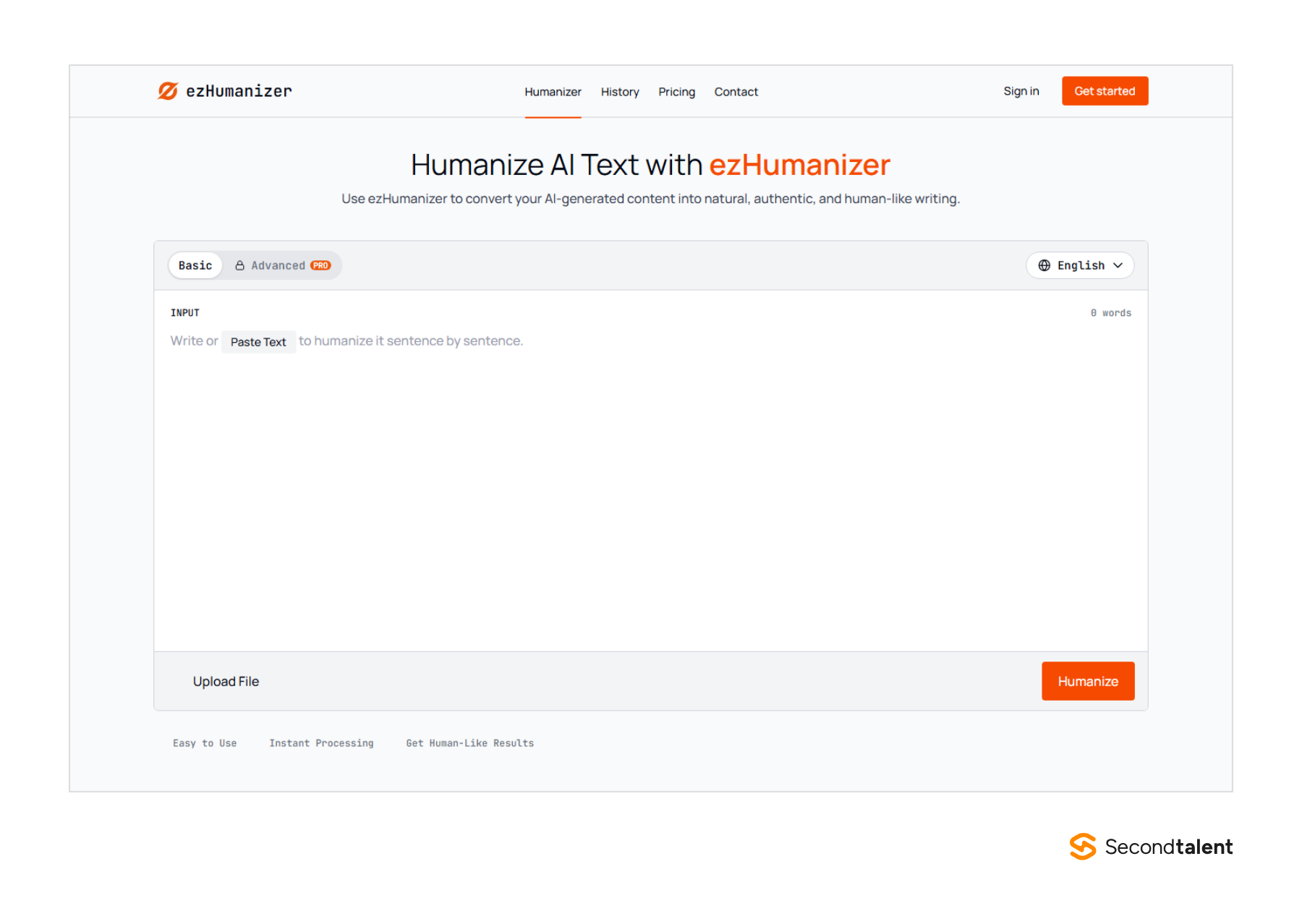
ezHumanizer is for recruiters who send a high volume of short messages and want to see each change. ezHumanizer cuts robotic wording, simplifies long sentences and strips filler phrases while keeping the meaning of the draft.
Its output view highlights each edit next to the original. You can regenerate a single sentence instead of the whole message.
For a recruiter that matters: the line naming the role and salary stays put, and only the stiff opener gets rewritten.
Short beats long in recruiting. LinkedIn found the shortest InMails get a 22% higher response rate than the average InMail, so a tool that trims as it rewrites earns its place.
Gem's 2025 benchmarks set a 26%+ reply rate as the target for a three-step outreach sequence.
The free plan gives 2,500 credits at one credit per word, in Basic mode, with up to 700 words per run. Pro unlocks Advanced mode, with strength and tone control and a 30-day history.
A Chrome extension and mobile apps let you humanize a reply inside LinkedIn or Gmail. The FAQ says it does not use your inputs or outputs for model training.
- Best for: sourcers who rewrite many short InMails and follow-ups a week and want tone control for under $10 a month.
- Where it struggles: Advanced mode is paid only, there is no AI detector or API, and the site does not mention GDPR.
- Price: free Basic plan; Pro is $6 a month or $60 a year, with 100,000 credits a month or 1.2 million a year.
3. QuillBot AI Humanizer
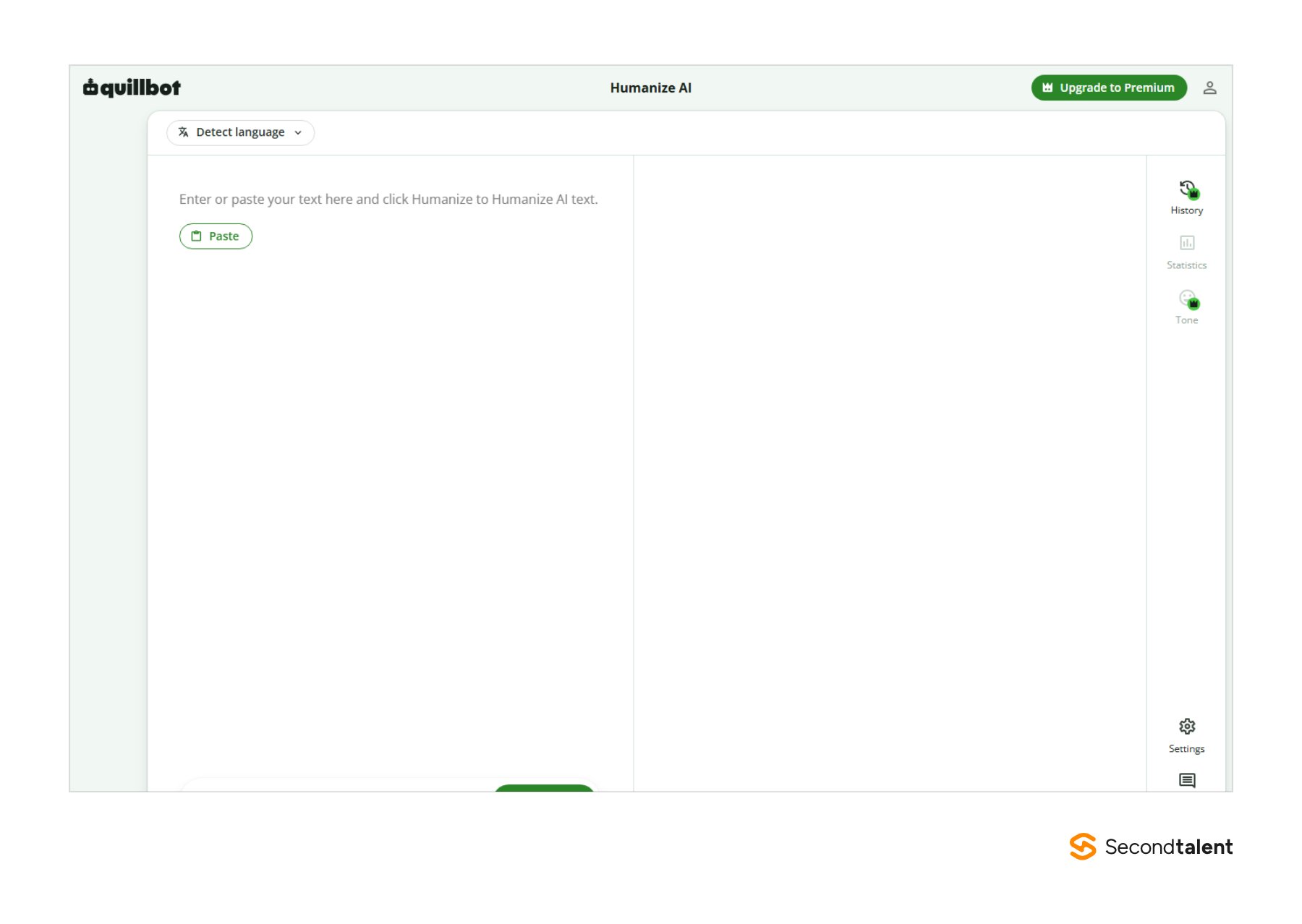
QuillBot is for recruiters who already use its paraphraser and want a humanizer in the same account. The QuillBot AI Humanizer opens with a Detect language menu, so it reads the draft's language before it rewrites.
The free tier is the tightest on this list. QuillBot's own guide puts it at 100 words at a time, enough for an InMail but not a job description. Premium removes the word limit and costs $8.33 a month on an annual plan.
History, statistics and tone control carry the Premium crown in the editor. Tone is the setting a recruiter wants most: an offer letter and a cold InMail need different registers.
The risk of over-automating is real on the candidate side. An Express Employment Professionals and Harris Poll survey found 62% of US job seekers would consider not applying to companies that rely too much on generative AI in recruiting.
A humanizer smooths the wording; the specific detail about the team still has to come from you.
- Best for: teams already paying for QuillBot's paraphraser who want the humanizer in the same login.
- Where it struggles: 100 free words is too short for a job ad, and QuillBot's product pages do not state its training or storage terms for this tool.
- Price: free with limits; Premium $8.33 a month billed yearly.
4. Grammarly AI Humanizer
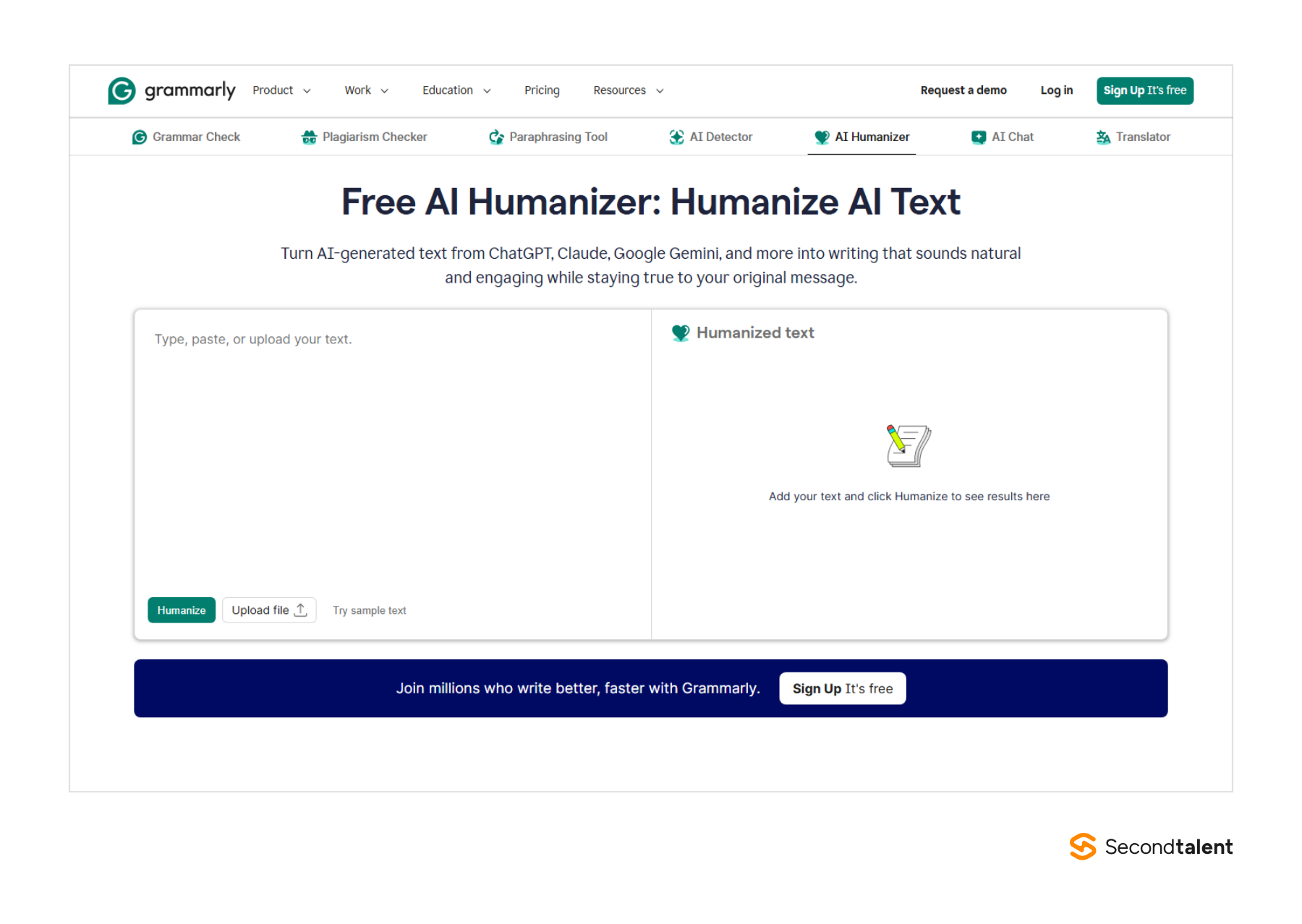
Grammarly is for HR teams that want all their recruiters' emails to sound like one employer. The Grammarly AI Humanizer offers four preset voices and builds a custom voice from a writing sample you paste.
Feed it your best-performing outreach email and it rewrites new drafts toward that style.
It runs inside Chrome, Edge, Safari, Firefox, Microsoft Office and Google Docs, so the rewrite happens where the recruiter already types. On the Pro plan each member gets 2,000 AI prompts a month, plus 2 user groups and 1 brand tone.
Enterprise adds SAML SSO and unlimited brand tones.
Grammarly says its humanizer is not intended to bypass AI detectors. It points users to Authorship, a feature that shows how a text was written. That stance fits what candidates say they want from employers:
Users can opt out of training under the Product Improvement and Training setting, and Grammarly says it does not sell or monetize customer content.
The Greenhouse report behind the figures above also surveyed 1,236 recruiters and hiring managers.
- Best for: HR and TA teams that want one employer voice across recruiters and already pay for Grammarly.
- Where it struggles: limits are counted in AI prompts, not words, and the free plan's 100 prompts a month go fast.
- Price: basic humanizing is free; Pro is $12 a month per member; Enterprise is quoted.
5. WriteHuman
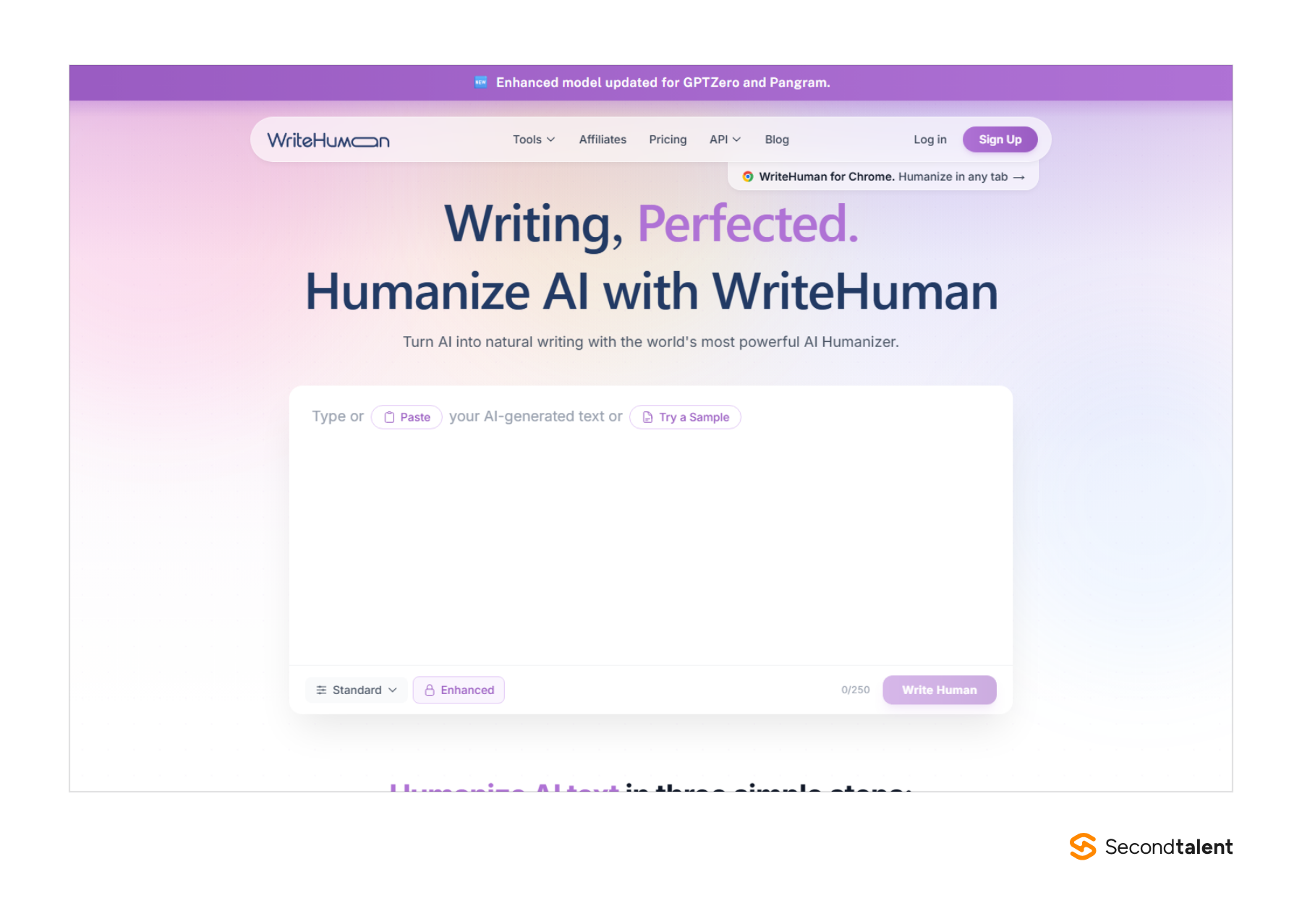
WriteHuman is for recruiting ops teams that want to plug a humanizer into their own tools. Its REST API accepts 120 requests a minute on Premium, and an MCP server lets an AI agent call it from a workflow.
An ATS workflow could humanize each auto-generated rejection letter before it goes out.
Read the privacy terms before anyone pastes a candidate's name into the web app. WriteHuman's policy says it uses submitted text to train its models, with no setting to opt out. Content already used for training cannot be taken back out.
Text sent through the API or MCP server is not saved or used for training. The split across the ten tools:
- Clever AI Humanizer, ezHumanizer, StealthWriter, Humbot
- Phrasly: does not store or share your writing
- Grammarly: trains unless you opt out
- WriteHuman: trains on web-app text, no opt-out
- Not stated: Undetectable AI, HIX Bypass, QuillBot
The editor has Standard and Enhanced modes, and paid plans return two to five variations per run. A Chrome side panel humanizes text in any tab. The built-in detector scores each sentence: under 40% is human, 40% to 60% mixed, above 60% AI.
- Best for: recruiting ops building automated candidate messages through the API, where nothing is stored.
- Where it struggles: the web app trains on your input, and the free tier is 3 runs of 250 words a month.
- Price: Basic $12 a month (80 runs at 600 words), Pro $19 and Ultra $39, all billed yearly.
6. Undetectable AI
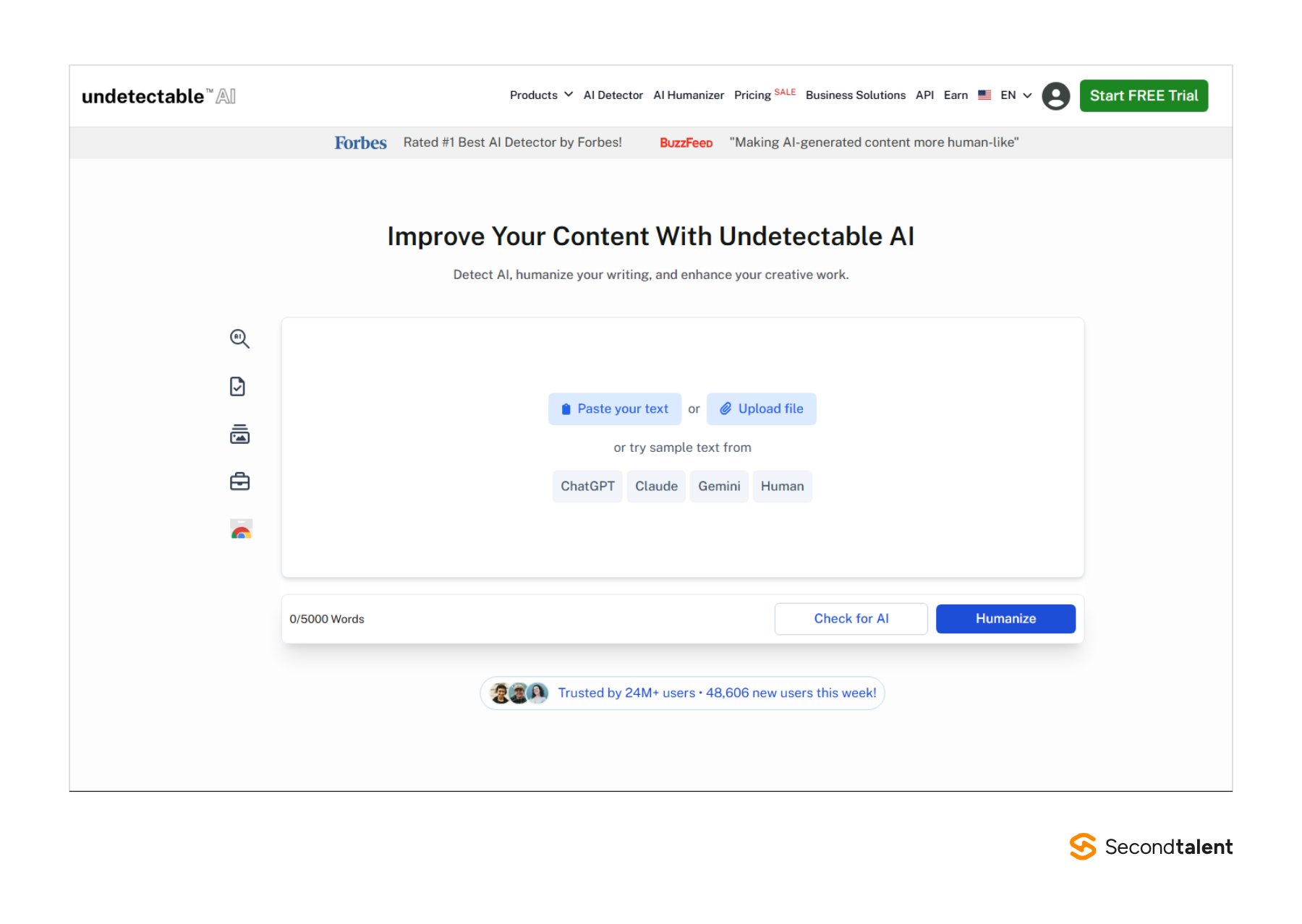
Undetectable AI is for recruiters who write in Gmail and want the humanizer there too. Its Chrome extension works in Gmail, Google Docs and social sites. The editor takes up to 5,000 words and puts Check for AI and Humanize side by side.
The pricing page carries the boldest promise on this list: if anything it produces is flagged as not human, it refunds the cost of that humanization. Read that as a sign of how little detectors agree.
OpenAI withdrew its own AI classifier in July 2023 after it caught only 26% of AI-written text and flagged 9% of human text as AI.
Detectors also misread non-native writers, which matters if you hire across Asia or Latin America. A Stanford team ran seven detectors on TOEFL essays and found an average false-positive rate of 61.22%. Richer word choice cut it to 11.77%.
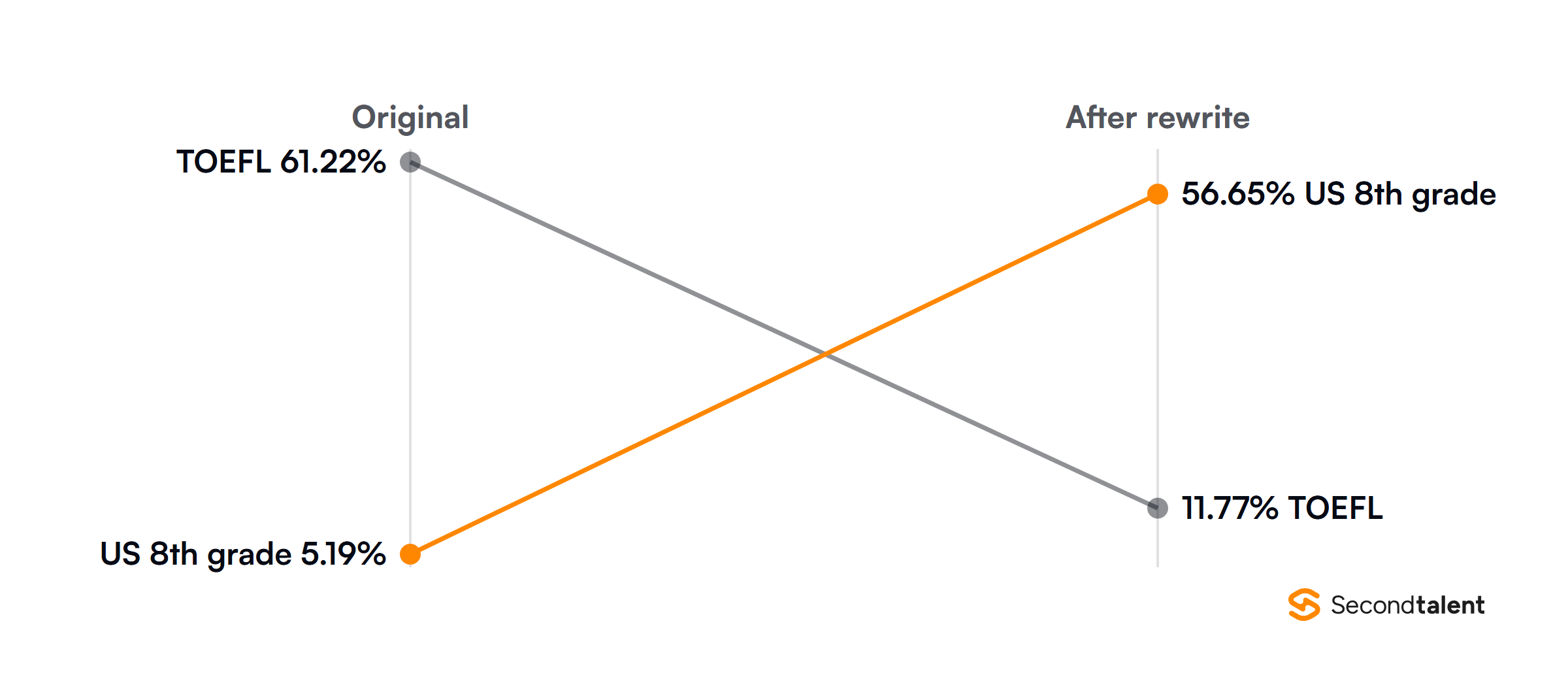
The same study ran the test the other way: simplifying the US essays pushed their false-positive rate from 5.19% to 56.65%. A detector score on a candidate's cover letter tells you about vocabulary, not authorship.
Stanford HAI's summary covers the method.
- Best for: Gmail-based recruiters who want humanizing and detection in one extension, in 50+ languages.
- Where it struggles: there is no free plan beyond a 250-word trial, and the privacy notice does not address training on submitted text.
- Price: 10,000 words a month for $9.99 monthly or $5 a month billed yearly; 20,000 words for $19 or $9.50.
7. Phrasly
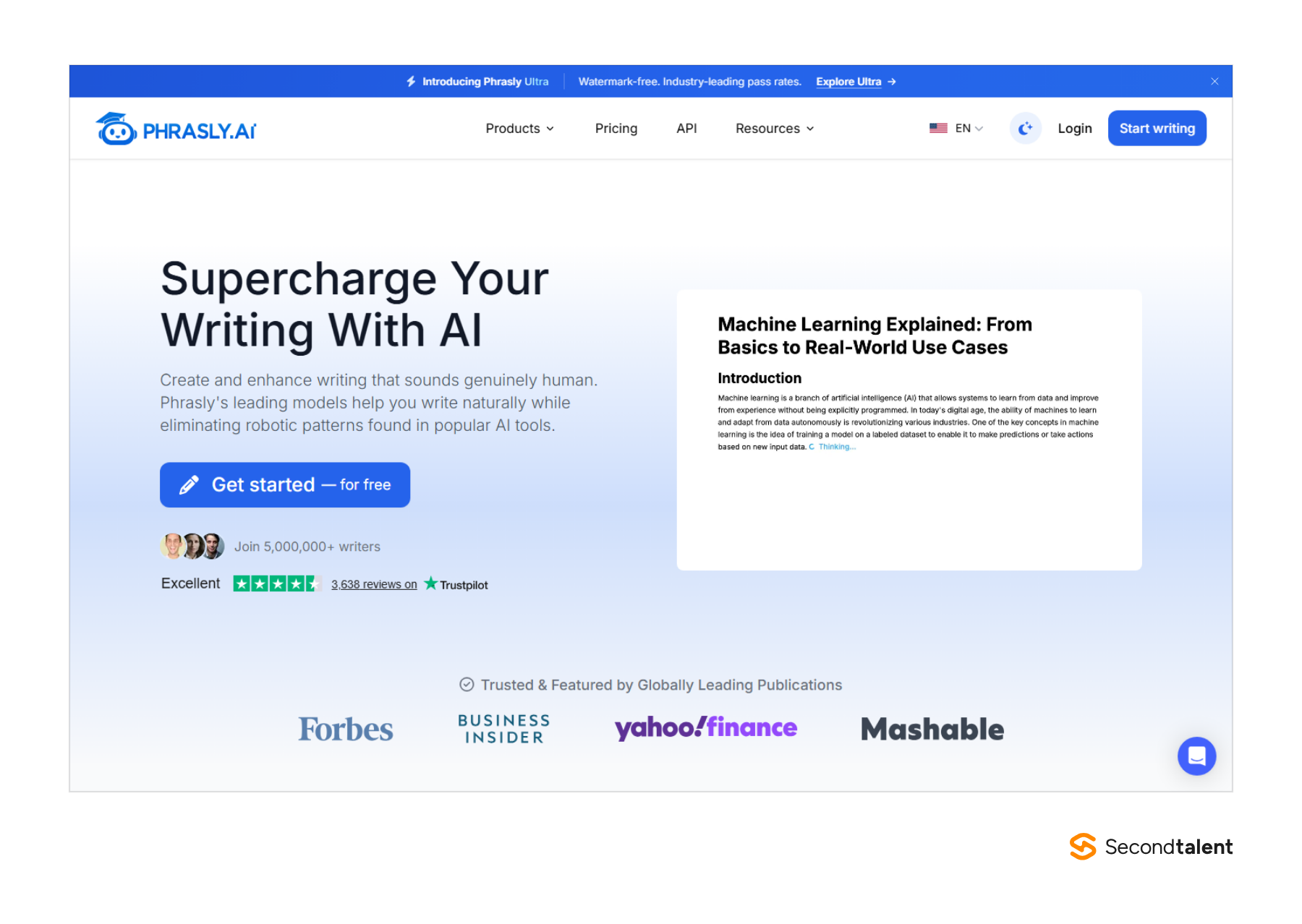
Phrasly is for US employers whose legal team asks where candidate text goes. Phrasly runs its own models on US servers, so no third-party AI provider processes what you paste, and it says it does not store or share your writing.
Its humanizer, Phrasly Ultra, has three strengths: Balanced, Strong and Max. Balanced is the setting for recruiting copy, since Max rewrites more than an offer letter can afford.
For the opposite problem, a draft that reads too casual, the Phrasly AI Formalizer raises the register.
There is no permanent free plan. A $2 three-day pass gives 1,000 words at up to 800 words per run. The Unlimited plan removes the humanizing cap and allows 5,000 words per run, plus 100,000 plagiarism-check words a month.
The guarantee is specific. If a competitor's output scores more human than Phrasly's on four named detectors, Phrasly refunds you, as long as the text runs past 500 words and you claim within 14 days.
Teams can buy API access and enterprise seats through a separate business site.
- Best for: US HR teams that need data kept in the US and a formal register for offers and policy emails.
- Where it struggles: English only, no Chrome extension, and no free plan to test with.
- Price: Unlimited is $10.99 a month billed yearly; the trial is $2.
8. HIX Bypass
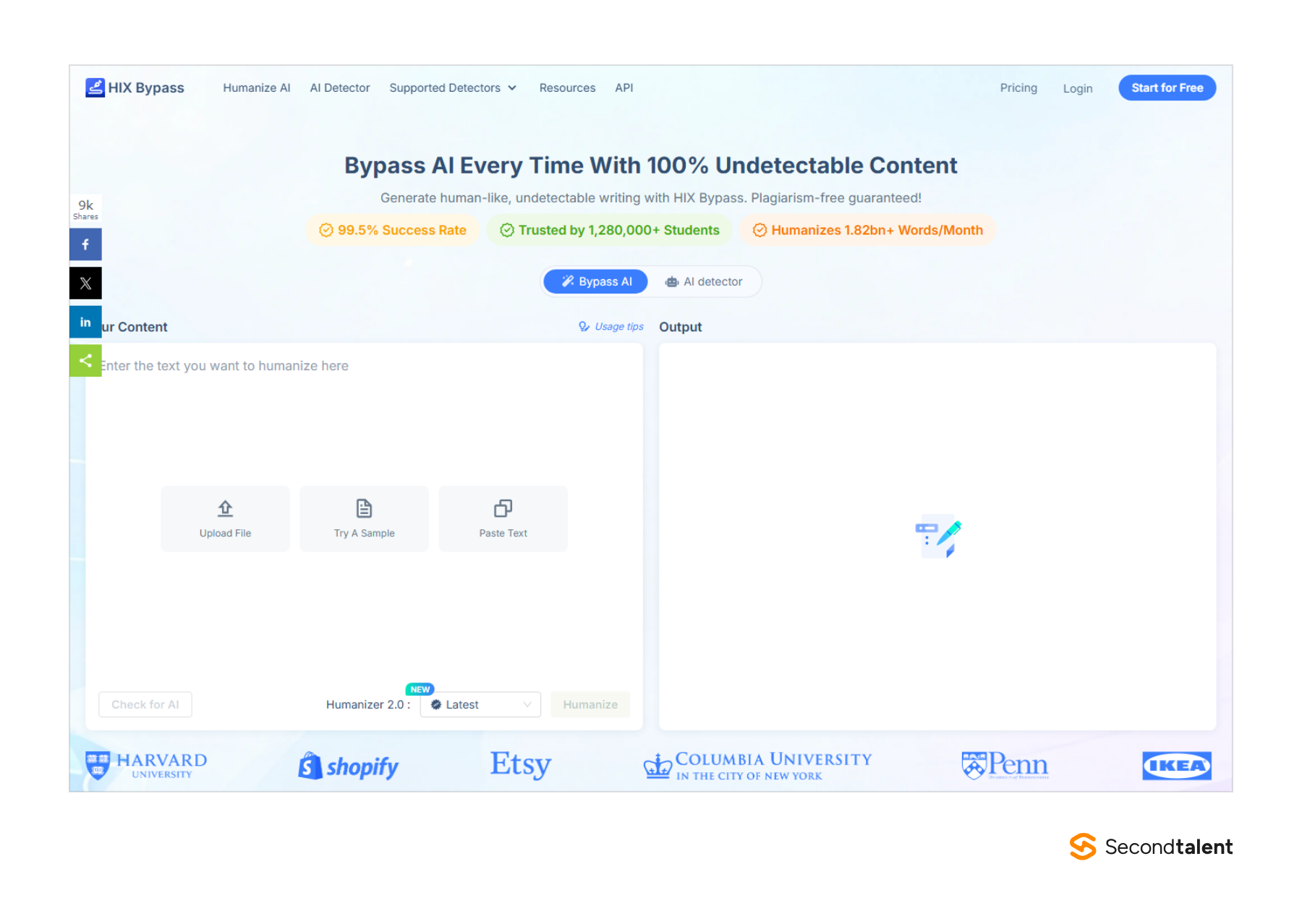
HIX Bypass is for agencies that write candidate and client emails in many languages. It moved from bypass.hix.ai to hixbypass.com and now runs Humanizer 2.0 with three modes: Fast, Aggressive and Latest.
It covers 50+ languages and has a built-in detector.
Annual billing cuts the Standard price by a third. Standard costs $14.99 a month, or $9.99 a month billed yearly, for 5,000 words a month and 3,000 words per input.
Premium raises the allowance to 50,000 words for $14.99 a month on the yearly plan.
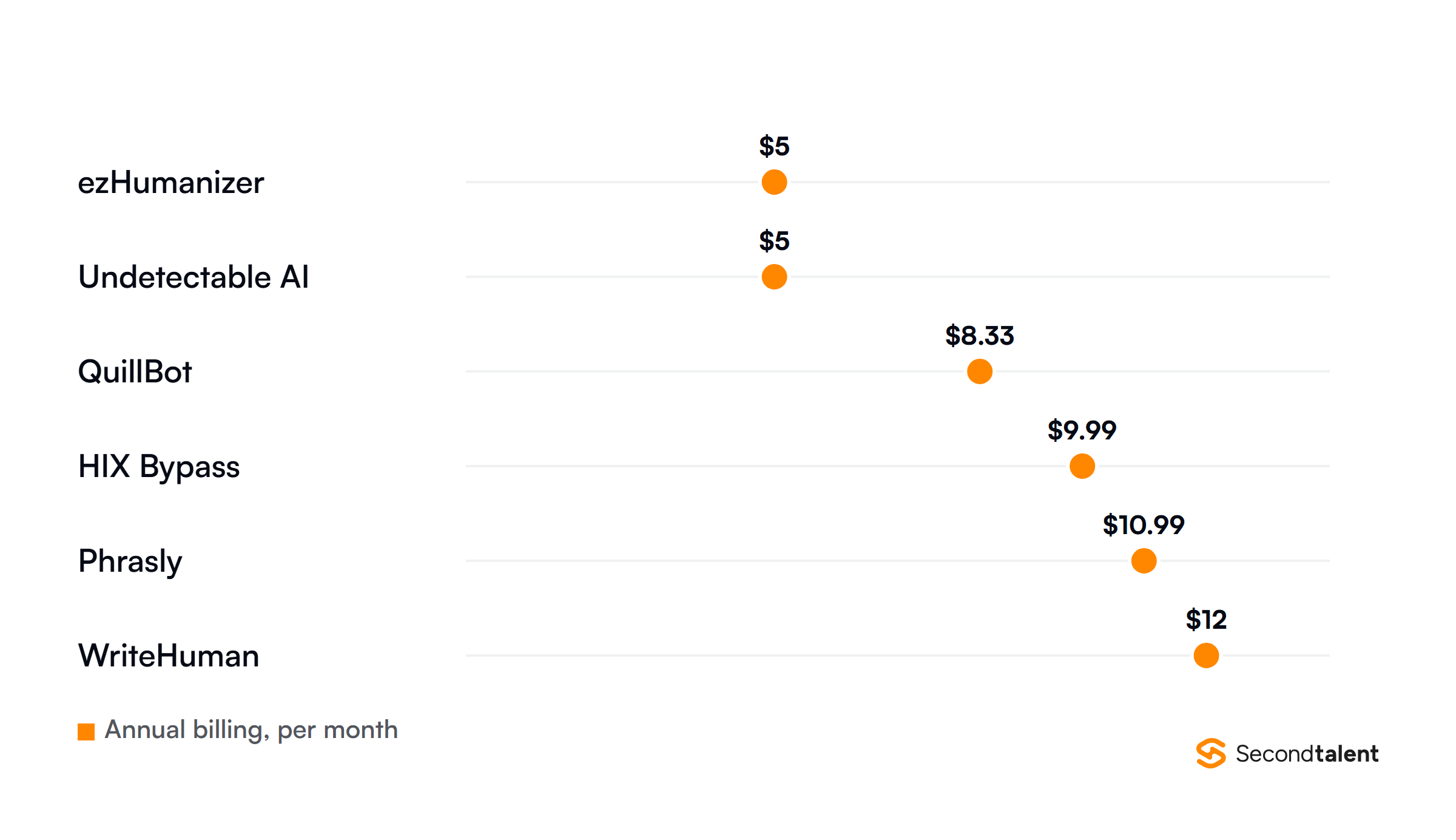
Five thousand words a month covers about 50 outreach emails of 100 words. A recruiter running several open roles will hit that by mid-month, so Premium is the realistic plan for agency use. An API and a business page cover larger teams.
The homepage headline promises "100% undetectable content" and a 99.5% success rate. Those are the vendor's claims. The site lists "comprehensive privacy safeguards" but does not say whether it stores or trains on your text.
- Best for: multilingual agency recruiters who want a choice of rewrite strength.
- Where it struggles: the Standard word cap is low, and storage and training terms are not published.
- Price: Standard $9.99 a month billed yearly or $14.99 monthly; Premium $14.99 yearly or $29.99 monthly.
9. StealthWriter
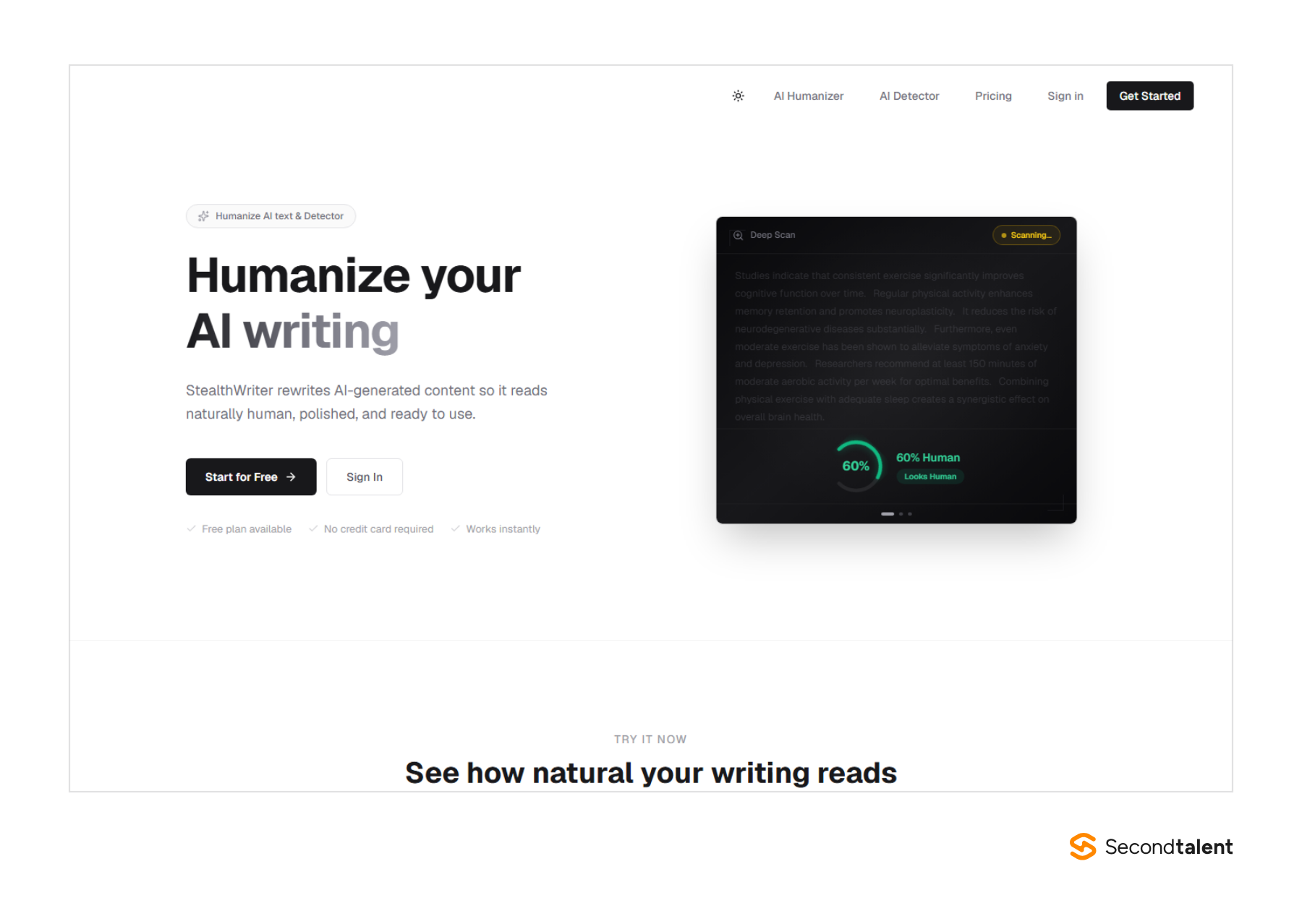
StealthWriter is for a recruiter who rewrites a handful of messages each day and does not want to run out mid-month. Its quotas reset daily.
The free plan gives 10 humanizations and 10 AI scans a day, at up to 1,000 words per input, on the Ghost 5.2 Mini model.
Ten runs a day covers a normal sourcing day: a job ad, a few InMails and a rejection template. The Deep Scan detector marks individual sentences before and after the rewrite.
You can then pick alternative versions sentence by sentence instead of accepting the whole output.
Rewrite levels run light, medium and aggressive. Light suits recruiting copy, where the facts must not move.
The StealthWriter homepage says submitted text is not stored after processing, not shared with third parties and not used for training.
StealthWriter prices paid plans by daily volume rather than words. Starter at $20 a month gives 50 humanizations a day and 5,000 words per input, plus the Ghost 5.2 Pro model.
Plus at $50 gives 150 a day, which suits a small agency sharing one login.
- Best for: solo recruiters who want a usable free tier every single day.
- Where it struggles: the $20 Starter plan costs more than most entry plans here, and languages and an API are not listed.
- Price: free daily plan; Starter $20 a month; Plus $50; Pro $100.
10. Humbot
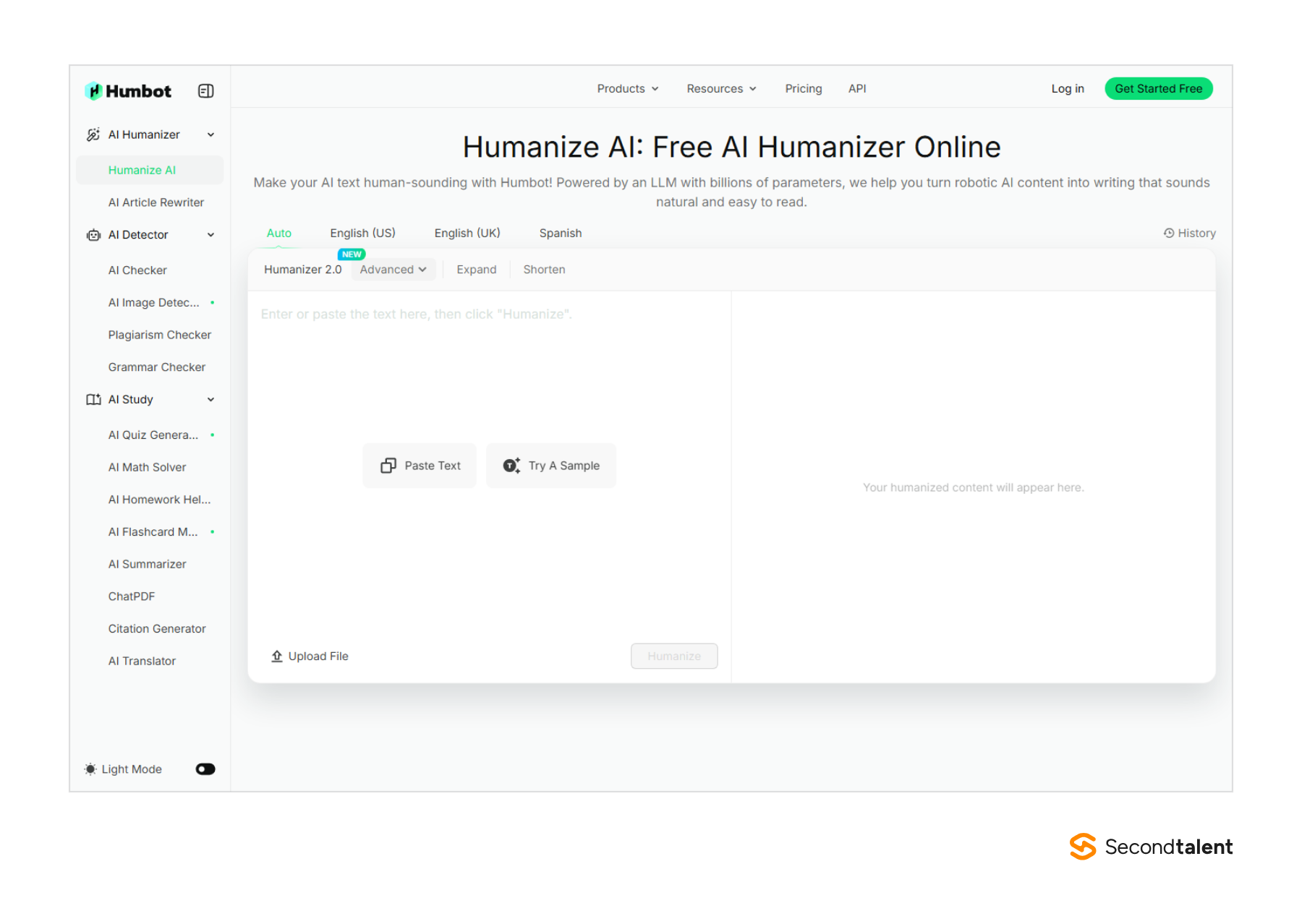
Humbot is for recruiters who need to cut a long AI draft down to InMail length. The Humbot humanizer has Shorten and Expand buttons next to Humanizer 2.0, plus presets for US and UK English.
Shorten is the useful one when ChatGPT turns a three-line note into five paragraphs.
Humbot claims ISO 27001 and SOC 2 certification and GDPR and CCPA compliance. It states that documents are "never stored, shared, or used to train our AI."
For an HR team that has to answer a security questionnaire, that list saves a round of emails.
Plans split words into basic and advanced allowances. Basic gives 3,000 basic and 1,000 advanced words a month with a 500-word input cap.
Pro gives 30,000 basic and 5,000 advanced words and a 1,200-word cap, and you can buy extra advanced credits.
Most of Humbot's 46+ tools target students: a math solver, flashcards, a homework helper. The humanizer works fine for business copy, but the menu around it targets a different buyer.
A 30-day money-back guarantee lowers the cost of finding out.
- Best for: HR teams that need certifications on paper and a quick way to shorten drafts.
- Where it struggles: a 500-word input cap on Basic, and a student-first product.
- Price: Basic, Pro and Unlimited plans; Humbot shows prices in the visitor's local currency on its pricing page.
Hire recruiters who write their own outreach
A humanizer fixes tone. It cannot add the detail about the team, the stack or the manager that gets a candidate to reply.
If your recruiters are at capacity, Second Talent places vetted AI/ML technical recruiters from Asia, matched in 24 hours, with $0 cost until you hire. You can also tell us the role you need filled.
For the wider toolkit, see our lists of AI sourcing tools for recruiters, AI candidate screening tools and AI assistants for tech recruiters.
FAQ
Should recruiters tell candidates they use AI to write messages?
Yes, at the policy level. Most candidates expect employers to say how they use AI in hiring, and a line on your careers page covers it. Our AI in recruitment statistics track how employers handle disclosure.
Can I paste a candidate's CV into an AI humanizer?
Only into a tool that says it does not store or train on your text, and strip names and contact details first. Under GDPR, a candidate's CV is personal data, and pasting it into a third-party tool counts as processing it.
Which humanizers suit job seekers instead?
Candidates polishing a cover letter have different needs. See our list of the best AI humanizers for job seekers.