TL;DR: Shadow for meetings, Goldfish for writing, Context.dev for research, Glaze for building small internal tools, and Osaurus for anything I cannot send to a cloud model.
Four of the five run on my laptop rather than someone else’s server, which turned out to be the point.
Every tool here shipped in the last six months, and I use all five on a normal working day running a talent company across nine APAC markets. If you are deciding what is worth the setup time this quarter, start here.
How I Picked These Five
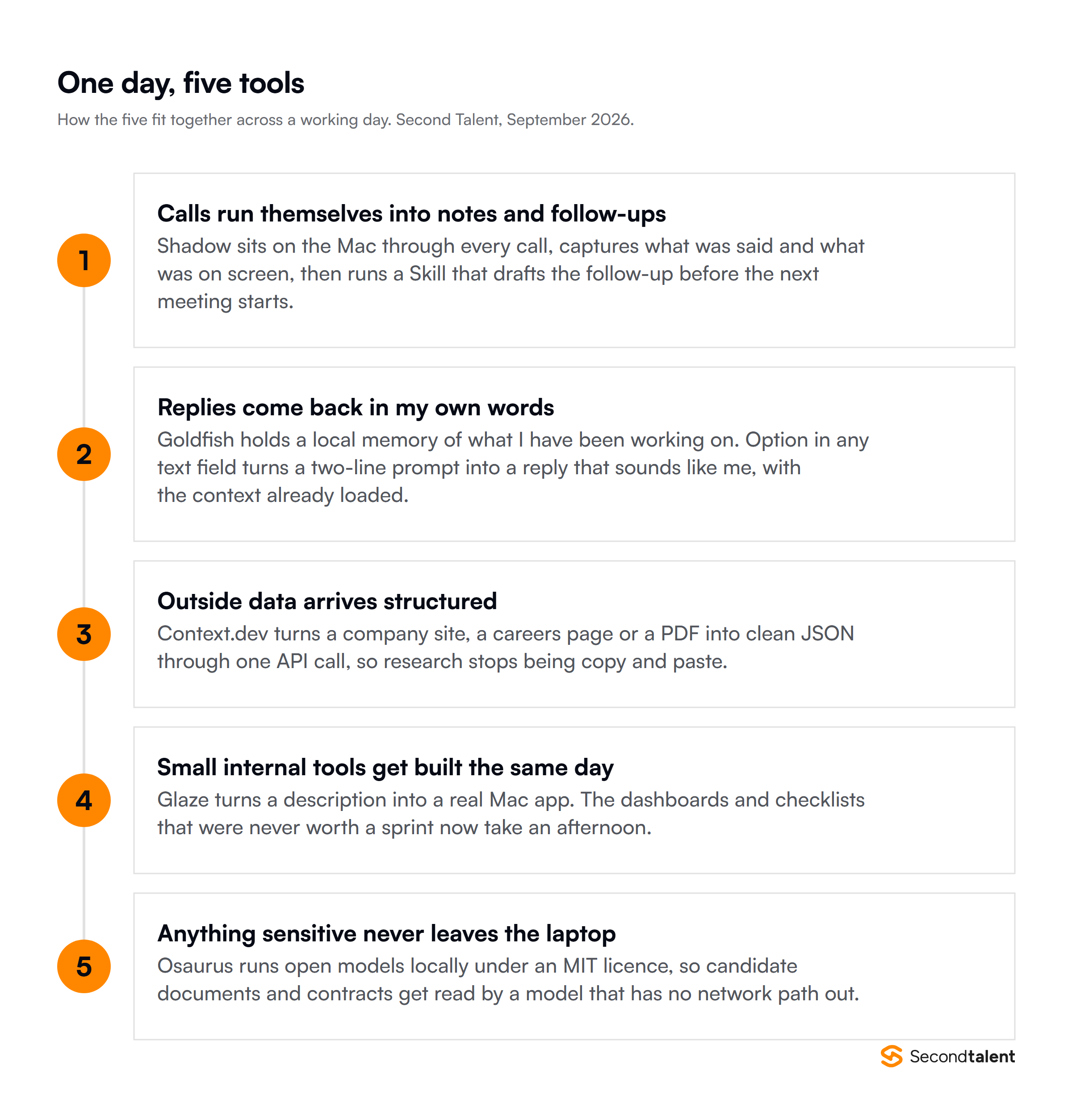
The Five At a Glance
| Tool | What it replaces | Platform | Price | Shipped |
|---|---|---|---|---|
| Shadow | Meeting bots and manual follow-ups | macOS | Free tier, Plus $8/month | 2.0 on 6 May 2026 |
| Goldfish | Copy-pasting context into a chat window | macOS and Windows | Free in beta | 16 June 2026 |
| Context.dev | Scrapers, proxies, enrichment vendors | API, any platform | 500 free credits, $25/month Developer | July 2026 |
| Glaze | Internal tools nobody had time to build | macOS Tahoe, Apple Silicon | 50 free credits, Pro $10/month | Beta 4 March, public July 2026 |
| Osaurus | Sending sensitive documents to a cloud model | macOS 15.5+, Apple Silicon | Free, MIT licensed | July 2026 |
1. Shadow:
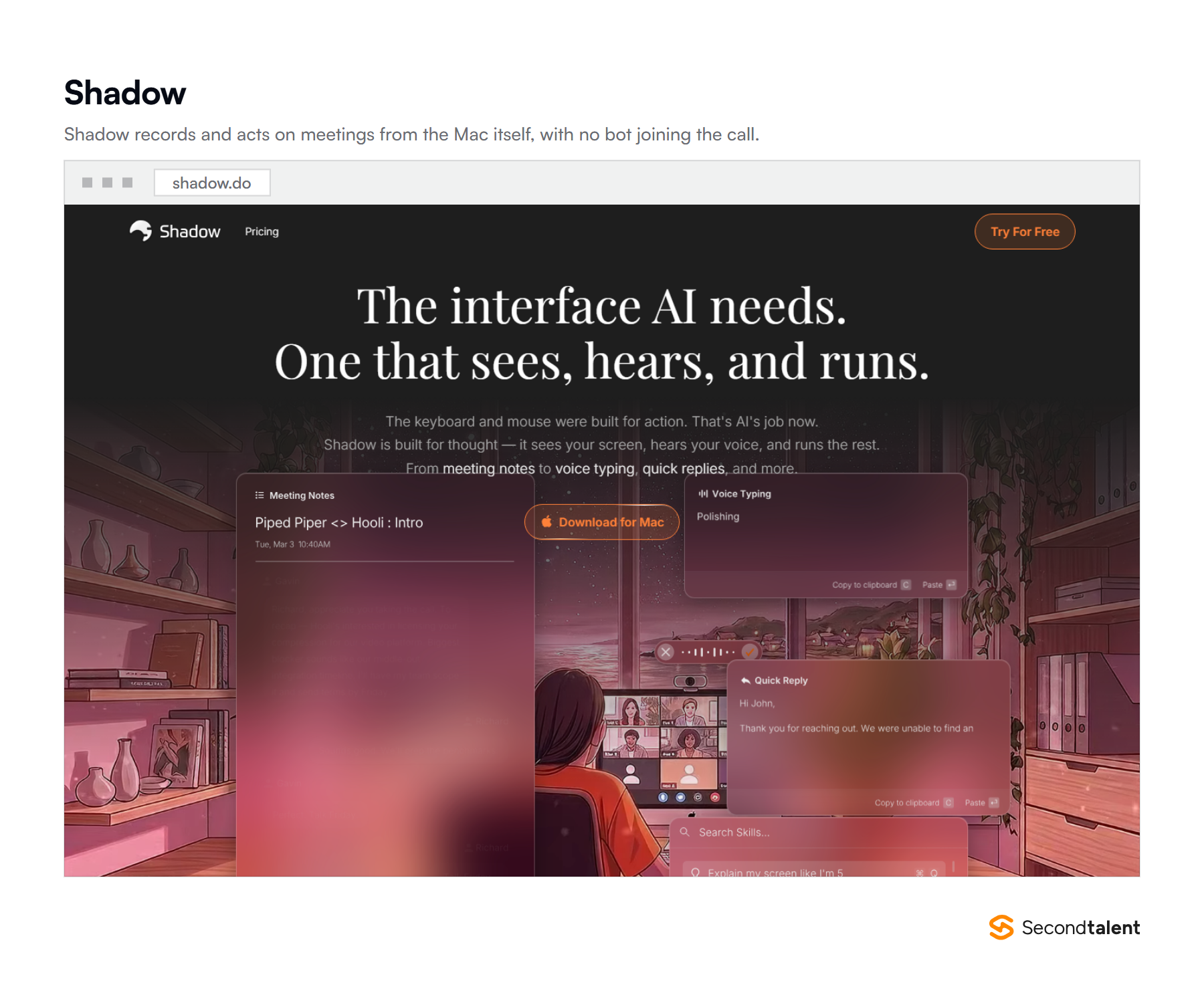
Shadow is a Mac app that records your meetings without joining them, then runs prompts you have written against what it captured.
It hears the call and sees the screen, so a number someone shared but never said out loud still makes it into the notes.
The 2.0 release on 6 May 2026 is what moved it from note-taker to something that finishes work. Skills are saved prompts that fire automatically after a call ends.
How I use it
Client intake calls are the main one. A hiring manager describes a role for forty minutes, shares a job spec on screen, and changes their mind twice about seniority. Before, someone rewrote that into a brief afterwards and lost the nuance.
Now a Skill turns the transcript into our standard role brief, in the shape our recruiters use.
The second is the one I did not expect to care about. No bot joins the call, so there is no moment where a candidate or a client watches a third-party participant appear in the room and wonders what it is doing there.
Setting it up
- Download from shadow.do and grant microphone and screen recording permission in System Settings. It will not capture the screen half without both.
- Run three or four real meetings before writing any Skills. You need to see what its raw output looks like first.
- Write your first Skill against a document you already produce by hand. Paste your existing template into the prompt and tell it to fill that, not to summarize.
- Set that Skill to run automatically for the meeting type it fits, then leave it alone for a week.
Tip: “Summarize this meeting” produces something nobody reads. Ask for the artifact you would otherwise have written: the brief, the follow-up email, the three decisions and who owns each. A Skill that fills a template you already trust gets used. A summary gets skimmed once.
Where it falls short
Mac only, with no Windows or mobile version, which rules it out for part of most teams. Because capture happens on your machine, a call you dial into from your phone is invisible to it.
And accented English across our markets still needs a human read before anything goes to a client.
2. Goldfish:
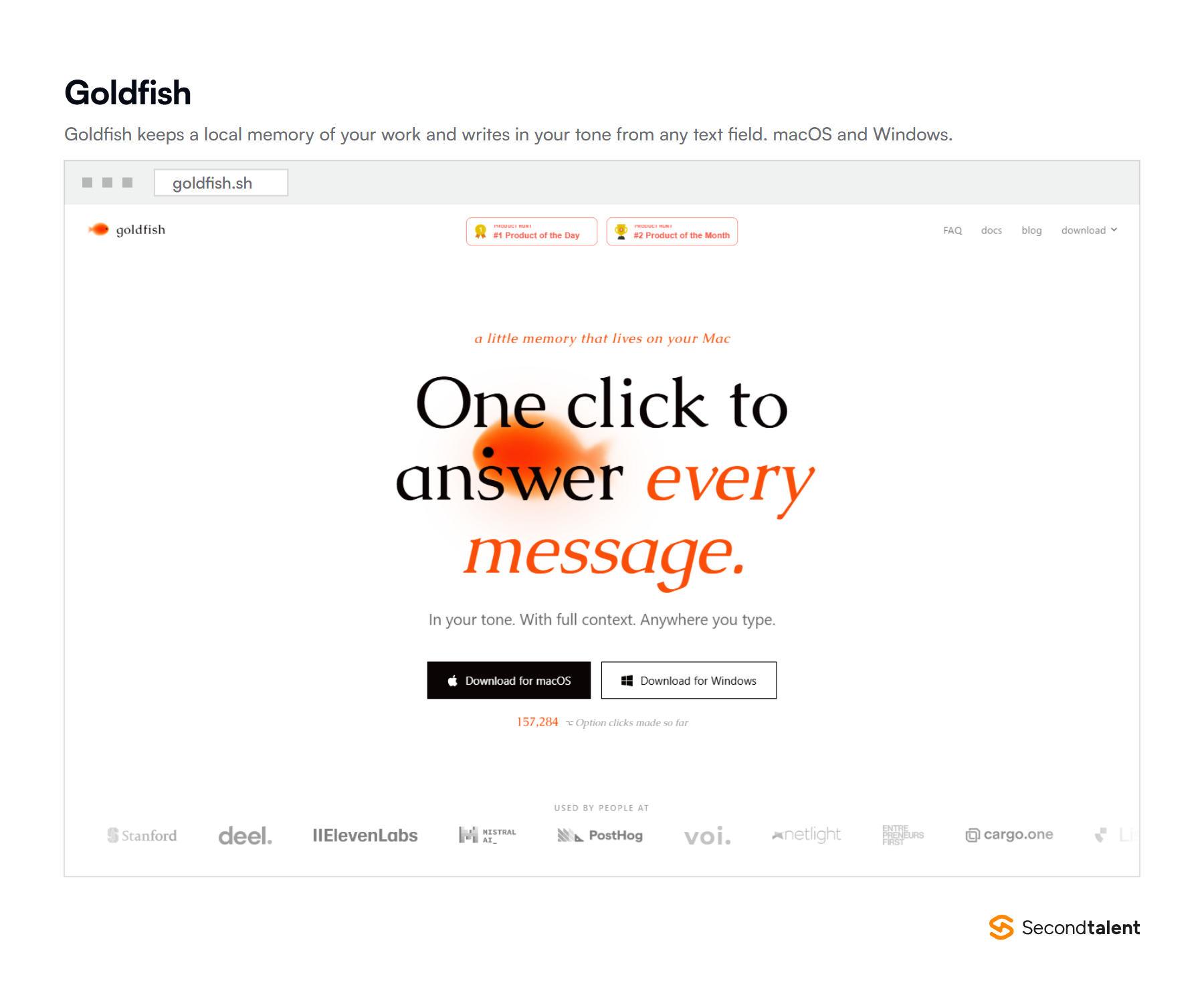
Goldfish keeps a private record of what you have been working on across your apps, then drafts text in your tone from any field where you can type. You press Option and it already knows the backstory.
It went out on 16 June 2026 and took the number one spot on Product Hunt that day. The counter on its homepage passed 157,000 Option presses.
How I use it
The difference from a chat window is that I stop explaining myself. Replying to a client about a candidate we discussed on Tuesday used to mean opening a chat, pasting the thread, pasting the CV notes, then explaining the relationship.
Now the context is already there because the tool watched me do the work.
Second use: rewriting my own first drafts. I draft fast and messily, in English and Chinese both. Option on a paragraph I already wrote, with the instruction to keep my structure and fix the sentences, keeps my argument and loses my typos.
Setting it up
- Install from goldfish.sh. There are macOS and Windows builds, which makes it the one tool here your whole team can use.
- Give it two or three days before you judge it. The memory has to fill up before the drafts sound like you rather than like a language model.
- Exclude apps you do not want it watching. Do this on day one, not after you have had your banking tab open next to it.
- Use it in the field where the message actually lives, not in a scratch document. The point is the surrounding context.
Tip: Give it a correction rather than a fresh instruction. “Shorter, and drop the apology at the start” gets a better second draft than rewriting the prompt, because the memory keeps the thread.
Where it falls short
It is free in beta, which means the pricing question is unanswered and you are building a habit on a product whose economics are not settled. It is also, by design, a tool that watches your screen.
Whether that is acceptable is a decision to make deliberately, not by clicking through an installer.
3. Context.dev:
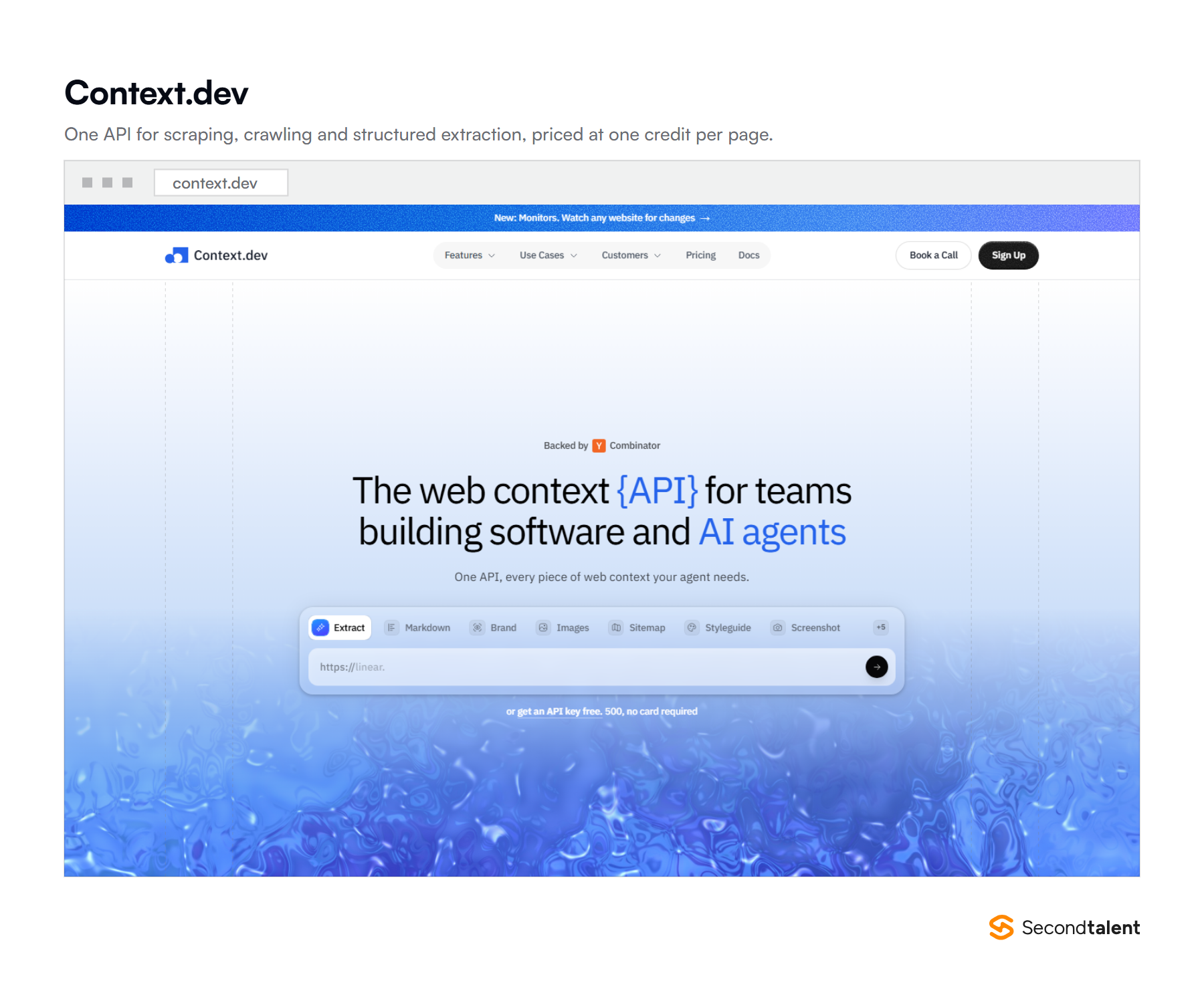
Context.dev turns any web page, site or uploaded document into clean Markdown or schema-validated JSON through a single API. It handles the browsers, the proxies and the anti-bot problem so you do not run that infrastructure yourself.
Pricing is one credit per successfully scraped page. JavaScript rendering, anti-bot bypass and premium proxies are included at no credit multiplier, which is the part that makes the cost predictable.
How I use it
Client research before a first call. Point it at a prospect’s site and careers page and get back structured facts: what they build, which stacks they hire for, how many engineering roles are open.
Fifteen minutes of tab-opening becomes one call.
The second use is monitoring. It watches pages for changes and fires a webhook. A company that quietly posts six backend roles in a week is a company worth calling that week, not next quarter.
Setting it up
- Sign up at context.dev with a work email for 500 free credits rather than 250.
- Start with the Markdown endpoint on ten pages you know well, so you can see what it gets wrong before you trust it at volume.
- Only then write a JSON schema for the fields you want. A tight schema beats a broad one every time.
- Move to the $25 Developer plan when you cross the free tier. Ten thousand credits covers a lot of prospect research.
Worth checking first: scraping rules vary by jurisdiction and by the terms of the site you are pointing at. Personal data collected this way sits inside GDPR and its APAC equivalents like any other processing. Read the target’s terms and take advice before you build a candidate pipeline on it.
Where it falls short
It is the one tool here that needs someone technical. If nobody on your team writes code, this is a build, not a download. The jump from $25 to $149 a month is also steep if your usage lands awkwardly between the two.
4. Glaze:
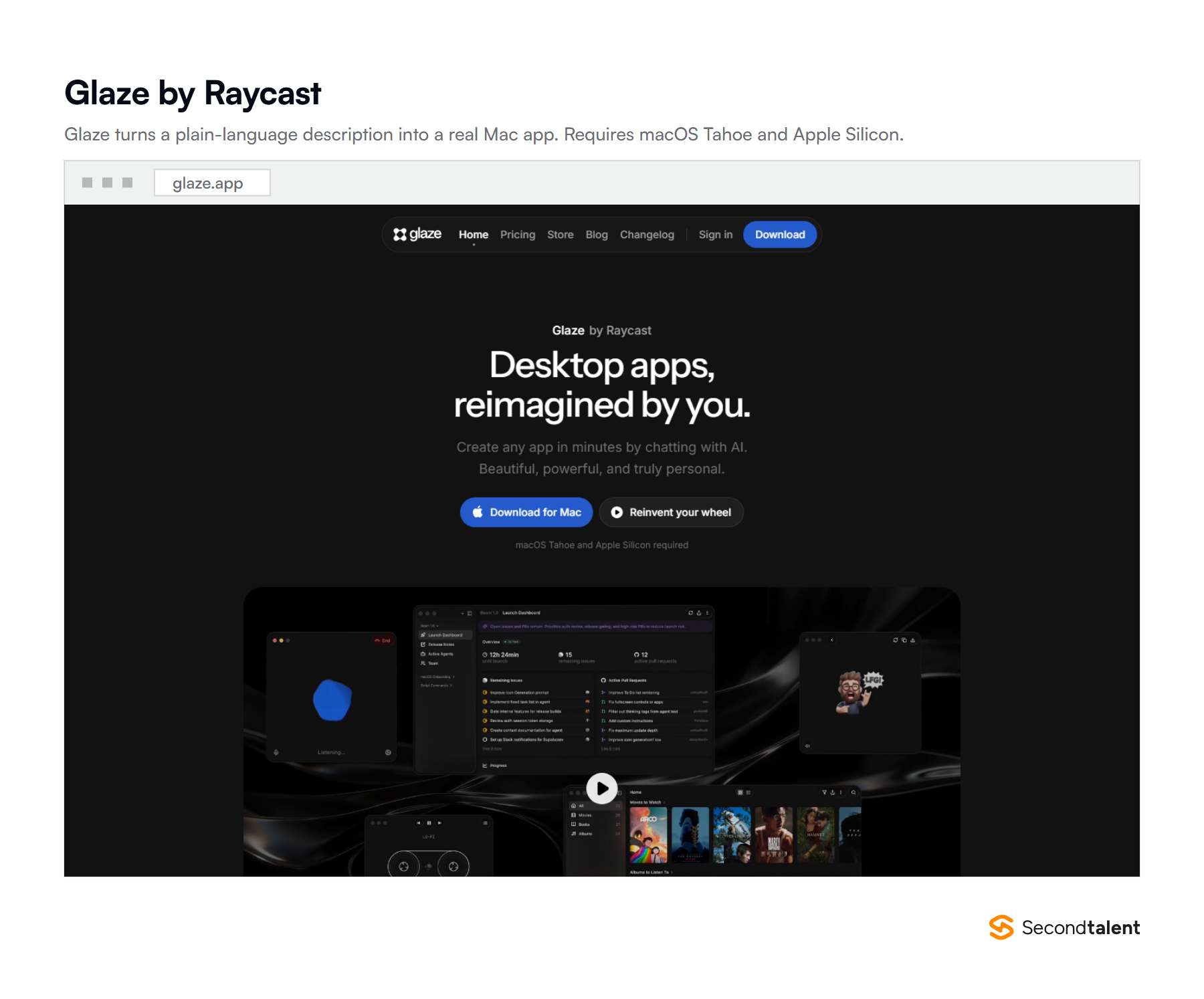
Glaze, from the team behind Raycast, builds real Mac apps from a plain-language description. Not a web page in a wrapper: an app in your dock, with keyboard shortcuts and file access, that opens instantly and works offline.
Raycast opened the private beta on 4 March 2026 and went public in July. It needs macOS Tahoe and Apple Silicon, with no Intel fallback.
How I use it
Every company has a queue of small tools that never justify engineering time. A dashboard pulling placement numbers into one window. A checklist for onboarding an engineer in a market where the paperwork differs.
Each is an afternoon of someone’s time and always loses to shipping something customers see.
Glaze moves those from the backlog to the same day. The honest framing is that it does not replace an engineer. It removes the small requests that were interrupting one.
Setting it up
- Check your hardware first. Apple Silicon and macOS Tahoe, or it will not run.
- Start on the free tier. The 50 welcome credits are enough to learn whether the tool suits how you think.
- Describe one screen, not a product. “A window listing open roles with a status column I can click through” builds. “A recruiting system” does not.
- Browse the public store before building. Someone has often already made the thing you are about to describe.
Tip: Treat the first build as a sketch. It is faster to describe the next version than to argue the current one into shape, and credits are cheap next to the hour you would spend nudging it.
Where it falls short
The hardware requirement is brutal and rules out anyone on an Intel Mac. Credits meter your usage, so a day of iterating costs real money.
And these are personal tools, not production software: nothing here belongs in front of a customer without an engineer reviewing it. For that, you still want engineers who build with AI properly.
5. Osaurus:
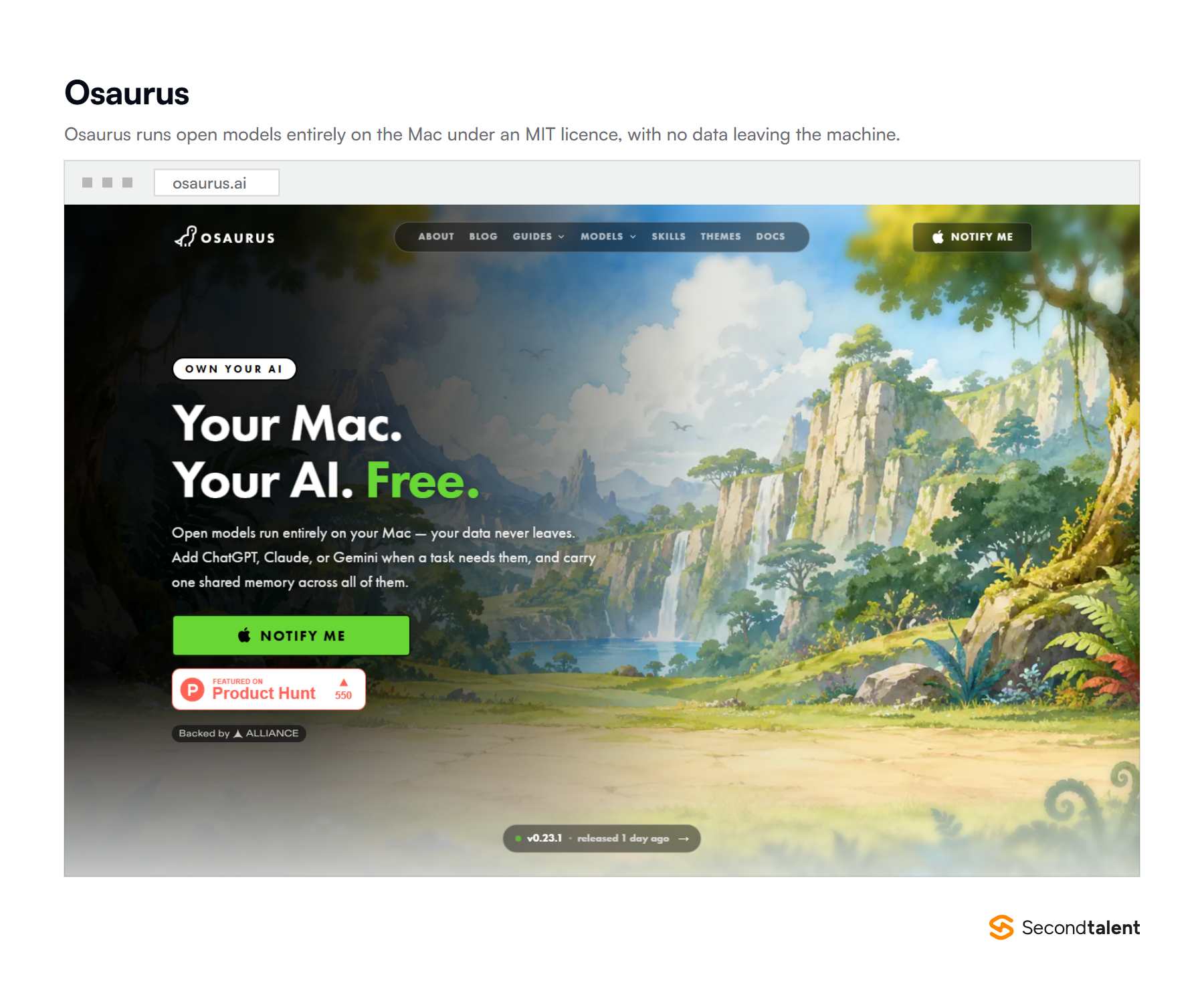
Osaurus runs open models entirely on your Mac. You point it at a folder and give it a job, and it reads, writes and executes locally. It is MIT licensed and open source, free, with no subscription and no usage caps.
It needs Apple Silicon and macOS 15.5 or later. The entire pitch is in one line on its homepage: your data never leaves.
How I use it
We hold CVs, salary expectations, passport details for visa work, and signed employment contracts across nine markets.
Some of that I will not paste into a cloud model, and no amount of enterprise assurance changes the fact that the file left the building.
So the sensitive half of the work runs here. Reading a batch of contracts for a clause. Pulling structure out of CVs before anything is anonymized. The output is a little worse than a frontier model.
The trade is that nothing is transmitted.
Setting it up
- Install from osaurus.ai, or read the source on GitHub first if you are handing it real data.
- Start with a small model. A machine with 16GB of memory will struggle with anything large while you have a browser open.
- Give it one folder with a narrow job. Broad instructions across a wide directory is where local models disappoint.
- Write down which categories of work go local and which go to the cloud, and tell your team. An unwritten rule is not a policy.
The rule I use: if a document names a person and I would not forward it to a stranger, it does not go to a hosted model. That single test decides it faster than any vendor security questionnaire.
Where it falls short
Open models running on a laptop are behind the frontier, and you feel it on anything requiring real reasoning. It is Apple Silicon only. And being MIT licensed and free means support is a GitHub issue, not a phone number.
The pattern I did not expect
Four of these five run on the machine in front of me. I did not choose them for that. I chose them because they were the ones I kept opening, and only noticed the pattern when I wrote the list down.
The reason is context. Shadow works because it can see the screen. Goldfish works because it watched me do the work. Osaurus works because the file never moves. A browser tab cannot do any of that.
The useful thing was never a smarter model, it was a model sitting closer to where the work happens.
For anyone holding other people’s personal data, that shift is convenient timing. We run employment across nine APAC markets, and the compliance conversation about AI has moved from “which vendor” to “did the file leave at all”.
A local tool answers that question without a data processing agreement.
What I would take from this if you are choosing tools this quarter
- Pick tools that see your work, not tools you have to describe your work to. That is the whole difference between these five and a chat window.
- Decide what stays local before you need the rule, not during an incident.
- Adopt one at a time. Every tool here took a week to become a habit and none of them survived being introduced alongside another.
- Check the hardware line before the pricing page. Three of these need Apple Silicon, and two need a recent macOS.
Other Important Tools That Did Not Make the Cut
Three tools I tried in the same window and stopped using, which is more useful than another five I liked.
- Anything that joins the call as a bot. Fine internally. On a client or candidate call it changes how people talk, and that cost is larger than the transcript is worth.
- Agentic to-do lists. Several launched this year promising a list that completes itself. Each needed more supervision than the tasks required.
- A second general chat assistant. The marginal value of another one is close to zero. The gains this year came from tools with access to context, not from a better prompt box.
If you want the wider category view rather than one founder’s stack, we keep separate round-ups of AI developer productivity tools, AI code review tools, and no-code AI tools for startups.
On the hiring side, there are guides to candidate screening tools and AI tools for hiring developers.
Frequently Asked Questions
What does this stack cost per month?
Eighteen dollars a month for one person, plus API usage. Shadow Plus is $8 and Glaze Pro is $10. Goldfish is free in beta and Osaurus is free under an MIT license. Context.dev is free for 500 credits, then $25 a month for 10,000.
Under $50 a month covers all five with real usage.
Do I need a Mac for all of these?
For four of the five, yes. Shadow, Glaze and Osaurus are macOS only, and Glaze and Osaurus additionally require Apple Silicon. Goldfish ships macOS and Windows builds. Context.dev is an API, so it works from anywhere.
If your team is on Windows, Goldfish and Context.dev are the two to start with.
Is it safe to run these against company data?
It depends on the tool and the data, which is why the local-first point matters. Osaurus processes locally, so nothing is transmitted.
Shadow and Goldfish observe your screen and your work, which is a meaningful permission to grant and worth a deliberate decision. Anything touching personal data sits under GDPR and its APAC equivalents regardless of which tool you use.
How long does each take to be useful?
Glaze and Context.dev pay off within an hour. Shadow needs three or four meetings before its Skills are worth writing. Goldfish needs two or three days for its memory to fill.
Osaurus is the slowest, because choosing a model your machine can run takes a couple of attempts.
The bigger constraint
These five give me back a few hours a week. Useful, and not the thing that changed the business.
The larger gain came from hiring engineers who already work this way, so the tooling question stopped being mine.
We vet for exactly that at Second Talent, across 9 APAC markets and 200+ clients, with a shortlist in about 24 hours and no cost until you hire. If your stack is fine and your bottleneck is people, that is the conversation to have.
Tell us what you are building and we will send a shortlist of pre-vetted engineers this week.