
Modern software projects aren’t simple anymore. Between microservices, legacy code, multiple languages, and massive teams, most enterprise codebases are anything but tidy.
Code stretches across hundreds or even thousands of files, and developers are expected to move fast without breaking things.
Staying on top of it all, understanding the structure, tracking dependencies, and writing consistent, clean code can feel overwhelming.
That’s where AI-powered code assistants come in. These aren’t just fancy autocomplete tools.
The best ones can read your whole project, help refactor across multiple files, answer questions about your own code, and spot patterns that might otherwise go unnoticed.
They make working with complex systems feel more manageable, even enjoyable.
This breakdown covers eight top AI coding assistants built to work with large-scale projects in Python, Java, and TypeScript.
They offer serious help when it comes to speed, accuracy, and staying sane while working through huge repositories.
What’s your biggest coding challenge?
Select your situation below.
You’re building complex AI systems and need developers who understand large-scale architecture. Our AI specialists average 5+ years experience and can navigate enterprise codebases from day one. 92% client retention rate. Hire AI developers →
Your microservices are growing and you need backend developers who can handle complexity. We source Python, Java, and Node.js engineers who’ve worked on codebases with 100K+ lines. Ready in 2-3 weeks. Find backend engineers →
You need developers who can work across your entire stack without getting lost. Our full-stack engineers handle both frontend complexity and backend architecture. Average cost: $3,500-6,500/month in Southeast Asia. Compare full-stack rates →
You’re managing a large codebase but need to optimize your engineering budget. Vietnam and Philippines developers cost 50-70% less than US rates while maintaining senior-level expertise. See exact salary benchmarks by role and location. View Asia salary data →
What Makes an AI Code Assistant Suitable for Large Codebases?
Building and maintaining large-scale applications demands more than simple code completion.
AI assistants designed for enterprise environments need to handle real-world complexity, support team workflows, and help developers work across massive, layered systems without friction.
Working with a large codebase means your assistant has to do more than suggest the next line of code. It needs to:
1. Understand the Whole Project
The best tools don’t just look at the file you’re editing. They understand how everything connects across your entire repo.
2. Follow the Thread Across Files
Great assistants can track symbols, spot dependencies, and figure out where and how things are used across different files.
3. Adapt to Your Codebase
Instead of generic answers, top tools offer suggestions that follow your project’s style and structure.
4. Stay in Your Editor
If it works inside VS Code, PyCharm, or IntelliJ, you’re more likely to use it every day. Integration matters.
5. Handle Big Changes
Changing one thing often means updating 10 other places. Good assistants help with project-wide edits and multi-file updates.
6. Respect Your Data
For companies with sensitive code, the ability to self-host or control where data goes is essential.
7. Fit Your Workflow
Above all, the right tool makes things easier, not harder. It should work the way you do, not the other way around.
Quick Glance – Feature & Pricing Table
Here’s a quick side-by-side view of the top AI code assistants built for large-scale development. This table highlights the core features that matter most for enterprise teams and complex codebases.
| Assistant | Languages & IDEs | Large Codebase Features | Key Integrations | Self-Hosting / Privacy | Pricing (USD) |
|---|---|---|---|---|---|
| GitHub Copilot | Dozens; VS Code, JetBrains, Neovim, Visual Studio | Limited indexing, PR agent, GPT-4 support | GitHub, VS Code, Azure DevOps | Cloud-based; opt-out available | Free basic, $19/user for Business |
| Sourcegraph Cody | Most major languages; VS Code, JetBrains, web/CLI | Whole-repo indexing, semantic search, multi-file edits | Sourcegraph, GitHub, GitLab | Full self-hosting for enterprise | Free tier, ~$9/user Pro |
| Amazon Q Developer | 20+ languages; VS Code, JetBrains, Visual Studio, Eclipse | Multi-agent system, project-wide refactoring, security scans | AWS services, CodeCatalyst, IAM | AWS-managed; enterprise controls | Free tier, $19/user Pro |
| Tabnine | 30+ languages; VS Code, JetBrains, Eclipse, Neovim, etc. | Inline chat, policy-based completions, context-aware suggestions | Git integrations, GitHub | Fully on-prem or VPC supported | Free basic, custom enterprise |
| JetBrains AI | All JetBrains IDEs; Java, Python, TS, Kotlin, more | IDE-native refactoring, test generation, Junie AI agent | IntelliJ IDEA, PyCharm, WebStorm | SSO, audit logs, private hosting | ~$10/user, separate from IDE fee |
| Codeium | 70+ languages; 40+ IDEs including Jupyter, Vim, Colab | Whole-repo context, AI chat, Cascade agent (Windsurf IDE) | GitHub, GitLab, Codeium API | On-prem and private model options | Free for individuals, $12–15/team |
| Cursor | All major languages; Cursor IDE (VS Code fork) | Project-wide AI chat, Composer, autonomous refactoring agent | GPT-4, Claude, Git integrations | Cloud only, no self-hosting | ~$16/user/month, no free plan |
| Grok | All major languages; terminal CLI alongside any editor, ACP | Plan Mode with diffs, parallel subagents, multi-file agent edits | MCP servers, xAI API, CI (headless) | Cloud API processing; local permission controls | Free tier, SuperGrok $30/month, API usage-based |
1. GitHub Copilot

Copilot is one of the most widely used AI coding tools out there. It’s backed by OpenAI and fits easily into the daily flow of development, offering helpful suggestions right where you’re already working.
Broad Language and IDE Support
Copilot works across a wide range of languages, including:
- Python
- Java
- TypeScript
- JavaScript
- C#
- And plenty more
It also integrates with major editors like:
- Visual Studio Code
- JetBrains IDEs (IntelliJ IDEA, PyCharm)
- Visual Studio
- Neovim
This makes it easy to get started without changing your setup.
Key Features of Copilot X
The upgraded Copilot X version brings a handful of smarter tools:
- GPT-4 suggestions that understand more of your context
- A Pull Request assistant that can review and explain changes
- Built-in chat to ask questions or get code explanations
- Project indexing for up to about 2,000 files for better context across your repo
Strengths for Routine Development
- Feels like a natural part of your editor
- Great at handling repetitive tasks like writing boilerplate or small functions
- Speeds up everyday development without getting in the way
Limitations in Large Projects
- The assistant doesn’t see the whole picture: it’s limited by a smaller context window
- Not ideal for tracking changes or logic across multiple services or deeply layered systems
- Doesn’t support advanced search or full-repo analysis
Enterprise Security Considerations
- Fully cloud-based, which might not meet every team’s compliance needs
- Some code snippets may be retained unless data sharing is turned off
- May not be suitable for industries with strict data protection requirements
Pricing Overview
- Free plan with basic completions and chat
- Business plan: $19 per user/month
- Enterprise: custom pricing with admin tools and extra controls
Best Fit
- Individual developers looking to boost productivity
- Small teams or startups moving fast
- Projects with isolated modules or services that don’t rely heavily on cross-repo context
2. Sourcegraph Cody
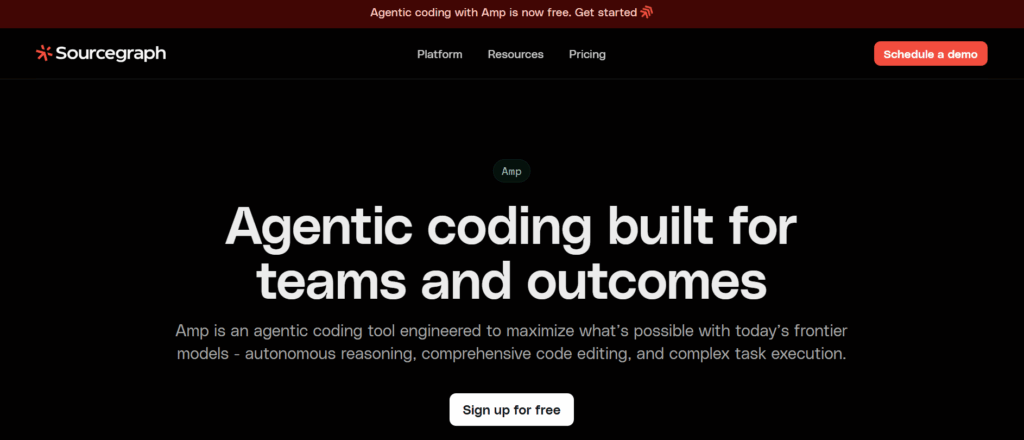
Cody takes Sourcegraph’s already powerful code search and adds AI to the mix. It’s built for teams working in large, complex codebases that span multiple languages, services, and repositories.
Broad Language and IDE Support
Cody works with a wide range of languages, including:
- Python
- TypeScript
- Java
- C++, Go, and more
It supports the following environments:
- Visual Studio Code
- JetBrains IDEs (IntelliJ IDEA, PyCharm, WebStorm)
- Web-based UI and CLI interface
You don’t need to change tools, just install the extension and start working with it inside your current setup.
Whole-Repo Awareness and Indexing
Cody doesn’t just guess based on the file you’re editing. It indexes your entire codebase so it can:
- Understand how everything connects
- Perform semantic search across files and repos
- Answer questions like “Where is this function used?” or “What depends on this module?”
- Suggest edits that make sense across the project
It’s like giving your AI assistant a map of the whole repo instead of just a flashlight.
Smart Chat and Built-In Recipes
- Chat interface for real-time help using actual project context
- “Recipes” for common tasks like refactoring, generating tests, or summarizing code
- Built-in tools for navigating unfamiliar code and speeding up reviews
Use Cases That Stand Out
- Cleaning up legacy code that’s full of inconsistencies
- Working across monorepos with multiple languages
- Getting up to speed on new services
- Team-wide productivity and collaboration
Privacy and Self-Hosting Options
- Full self-hosting available for enterprises
- Keeps all indexing and AI queries on your infrastructure if needed
- Respects team permissions and access levels
Setup Effort vs. Payoff
- Takes a bit of effort to install and index large projects
- Best results come when hooked into your CI/CD to stay updated
- Once it’s set up, it can save hours every week
Pricing Overview
- Free for individual use
- Pro tier: around $9 per user/month
- Enterprise pricing through Sourcegraph, includes custom deployment and support
Best Fit
- Teams working in large or multi-repo projects
- Engineering orgs with legacy systems that need cleaning up
- Companies looking for deeper code understanding, not just faster typing
3. Amazon Q Developer
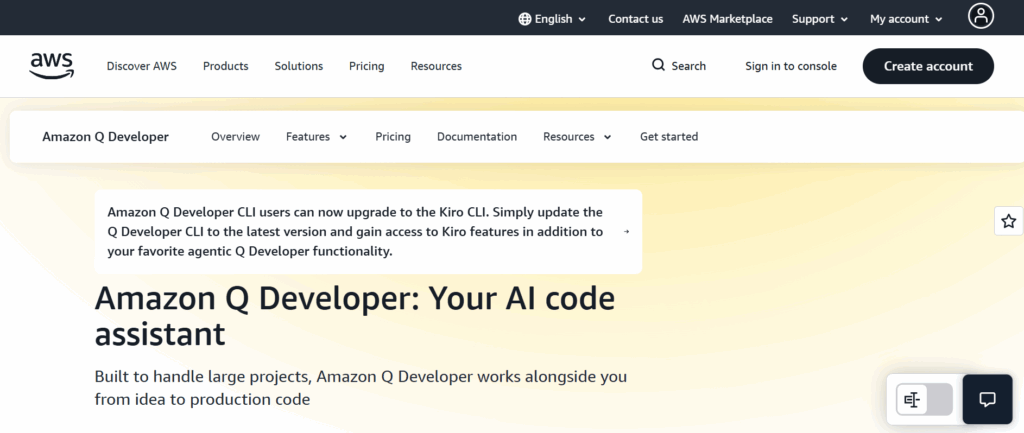
Amazon Q Developer is more than just code completion. It’s built around a team of AI agents that each tackle a specific part of the development process, making it a strong choice for AWS-heavy environments.
Broad Language and IDE Support
Supports over 20 programming languages, including:
- Python
- Java
- TypeScript
- C#, Go, Kotlin, and more
Works in major IDEs like:
- Visual Studio Code
- JetBrains IDEs
- Visual Studio
- Eclipse
No need to leave your editor, or your AWS console.
Multi-Agent System for Real Development Work
Q Developer splits its work into several focused agents that handle:
- Code generation and suggestions
- Writing and improving unit tests
- Performing security scans
- Refactoring code across multiple files
- Deploying infrastructure-as-code
One standout feature is its ability to apply changes across an entire codebase like upgrading from Java 8 to Java 17, with minimal manual effort.
Built-in AWS Awareness
- Answers cloud-specific questions inside the IDE
- Recommends AWS services based on your code
- Writes and validates infrastructure templates
- Follows IAM permissions to avoid incorrect suggestions
Where It Shines
- Modernizing legacy AWS apps
- Cleaning up infrastructure-as-code across multiple services
- Acting as a DevOps partner that actually understands your stack
Things to Keep in Mind
- Most useful for AWS users: others may not get as much value
- Some tasks require learning agent commands
- The interface can feel a bit complex at first
Pricing Overview
- Free tier includes 50 chats and 10 agent tasks/month
- Pro plan: $19 per user/month
- Enterprise pricing available via AWS
Best Fit
- Teams building directly on AWS
- DevOps engineers managing cloud infrastructure
- Security-conscious orgs looking for full-lifecycle AI support
4. Tabnine
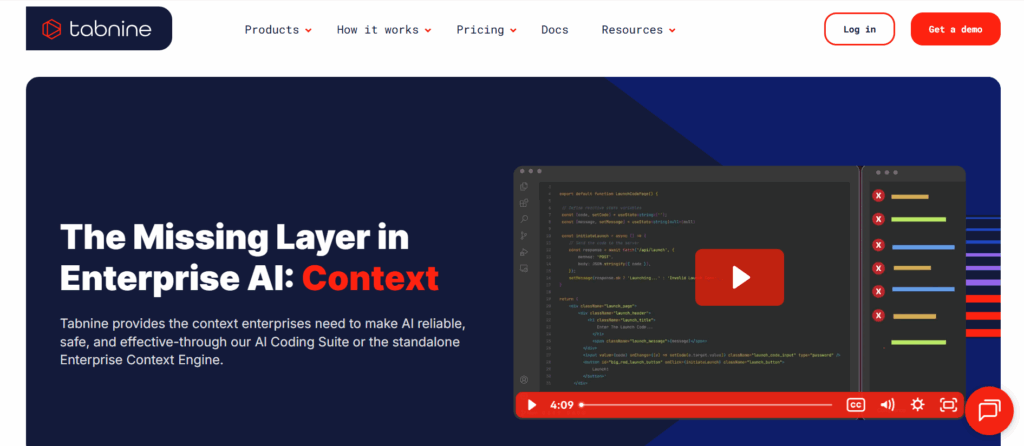
Tabnine focuses on fast, reliable completions while keeping your code completely private. It’s simple to set up, easy to use, and built with security in mind.
Broad Language and IDE Support
Supports 30+ languages like:
- Python
- Java
- TypeScript
- C/C++, C#, Go, Ruby, and others
Available for most editors, including:
- Visual Studio Code
- JetBrains IDEs
- Eclipse
- Neovim
It fits just about anywhere you write code.
Privacy-First Features
- Can run fully offline with no cloud connection
- Supports air-gapped installs for high-security environments
- Doesn’t train on your code unless explicitly configured
This makes it ideal for companies that can’t risk code leaving their network.
Keeps Code Consistent Across Teams
- Customizable to match internal style guides
- Helps enforce consistent coding standards
- Works well in large teams with varied experience levels
Strengths
- Quick and lightweight
- No cloud dependency
- Reliable across a variety of languages and environments
Limitations
- Doesn’t offer chat, multi-step agents, or semantic code search
- Best suited for completion and basic help, not deep reasoning
Pricing Overview
- Free tier with basic suggestions
- Team plans start at ~$20 per user/month
- Custom enterprise packages available for on-prem hosting
Best Fit
- Companies in regulated industries
- Teams that need AI help without sharing code externally
- Large orgs looking for something secure, simple, and scalable
5. JetBrains AI Assistant
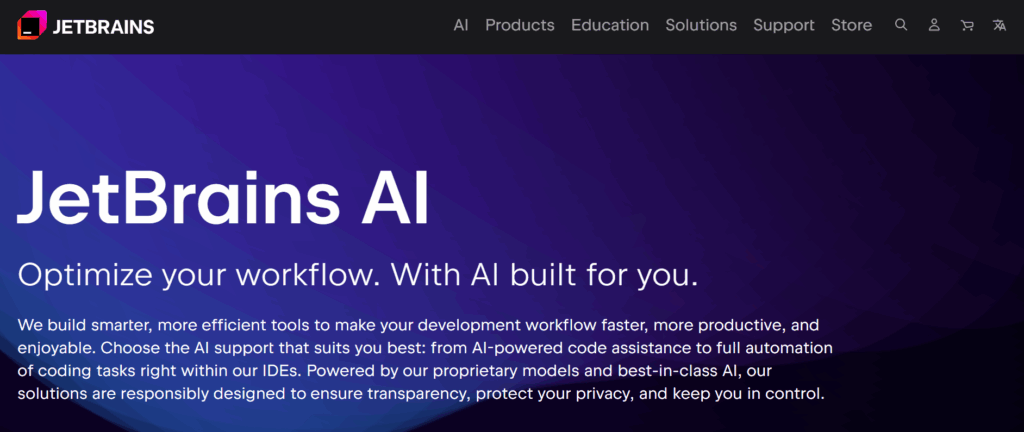
JetBrains AI Assistant brings smart code support directly into the JetBrains family of IDEs. It’s designed to work hand-in-hand with the tools many developers already use every day.
Deep IDE Integration
Built specifically for JetBrains tools like:
- IntelliJ IDEA
- PyCharm
- WebStorm
- GoLand, RubyMine, and others
No extra setup. Just install the plugin and it works with your existing project index.
Smarter Features with the Junie Agent
- Can refactor across files in one go
- Highlights potential issues and suggests fixes
- Summarizes changes to help during code reviews
- Generates tests and docstrings automatically
Because it’s tied into the IDE, the assistant understands your project deeply from the start.
Where It Works Best
- Projects written in Java, Kotlin, or Python
- Teams using JetBrains as their primary development environment
- Devs who want AI to support their workflow
What to Consider
- Requires a separate subscription on top of your IDE license
- Only works inside JetBrains IDEs, not portable across editors
Pricing Overview
- 30-day free trial available
- Pro plans start at ~$10 per user/month
- Enterprise plans offer extra security features and SSO
Best Fit
- Teams already committed to JetBrains tools
- Java and Python shops with large existing codebases
- Developers looking for a tightly integrated AI experience
6. Windsurf
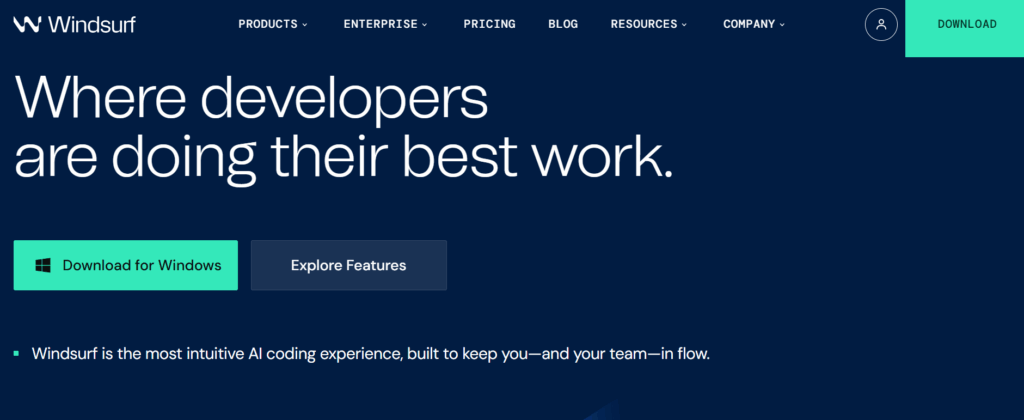
Windsurf gives you powerful AI features, broad editor support, and a strong focus on full-project context. All without a big price tag.
Broad Language and Editor Support
Covers 70+ languages like:
- Python
- Java
- TypeScript
- Go, C++, Rust, and more
Works with over 40 editors, including:
- VS Code
- JetBrains IDEs
- Jupyter Notebooks
- Vim, Emacs, Sublime Text
You can even use it inside Colab or Terminal workflows.
Deep Context and Chat Features
- Indexes your whole repo to pull in relevant references
- AI chat assistant for answering code questions or finding files
- Project-wide autocomplete, not just what’s in view
Cascade Agent in Windsurf
Inside Codeium’s Windsurf IDE, you can use the Cascade agent to:
- Perform bulk changes across files
- Run tests or builds while updating code
- Automate routine multi-step tasks
It’s still evolving, but already useful for repetitive or large-scale edits.
Security and Customization Options
- Self-hosting available
- Doesn’t train on your code
- Supports third-party model integration if needed
Strengths
- Free to start
- Wide language and tool coverage
- Solid privacy controls for teams
Drawbacks
- Windsurf IDE features are still maturing
- Some tasks need manual oversight
Pricing Overview
- Free for individuals
- Team plans: ~$12–15 per user/month
- Enterprise pricing available with custom support and hosting
Best Fit
- Teams working across multiple languages and tools
- Orgs needing powerful AI support without a huge cost
- Developers who want full-project intelligence
7. Cursor

Cursor is a full-featured code editor with AI at its core. It’s built on VS Code, so it feels familiar, but it’s packed with deeper AI features that go well beyond autocomplete.
Full-Project Awareness
- Understands your whole codebase, not just the current file
- Can explain, edit, and refactor across multiple files at once
- Chat interface lets you ask questions like “What does this class connect to?” or “Can you add logging everywhere?”
Powerful Automation with Composer and Agent Mode
- Composer lets you describe a task and the AI will write or update code to match
- Agent Mode runs tests, applies fixes, and iterates automatically until the job is done
- It’s like handing off a task to a junior dev and checking their work when they’re done
Where It Works Well
- Cleaning up messy or legacy codebases
- Exploring unfamiliar services or new projects
- Making structured changes across multiple areas
Limitations
- Fully cloud-based: no on-prem or offline options
- Not ideal for teams with strict privacy rules
- No official enterprise features yet
Pricing Overview
- Free 14-day trial
- Pro plan: ~$16 per user/month
Best Fit
- Individual developers
- Teams exploring new workflows or IDEs
- Projects with complex logic or scattered architecture
8. Grok
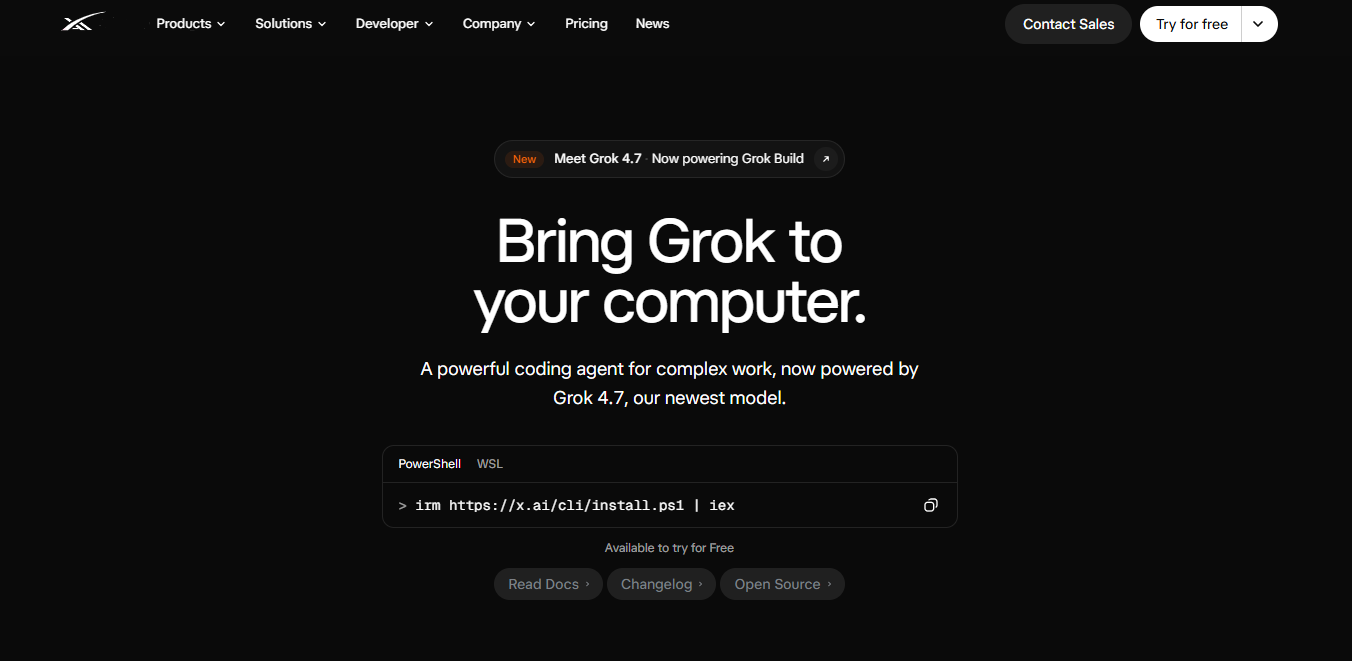
Grok brings frontier reasoning to coding work.
For engineers handling complex, multi-file projects, Grok Build runs natively in the terminal on Grok 4.7, the newest Grok model, helping developers plan changes, review edits as diffs, use skills and MCP (Model Context Protocol) servers, and run parallel subagents across an entire codebase.
Broad Language and Editor Support
Because it operates directly in your terminal, Grok works with virtually any programming language in your repository, including:
- Python
- TypeScript
- Java
- C++, Go, and more
Rather than tying you to a specific editor extension, it runs as a standalone command-line agent.
You can work directly in the repository without leaving your preferred editor, whether that is Neovim, VS Code, or JetBrains, and it can also be embedded in supported editors through the Agent Client Protocol (ACP).
Terminal-Based Autonomous Agents
Grok goes beyond inline autocomplete and acts as a reasoning agent that can:
- Run parallel subagents, each with its own context, to analyze or rewrite different parts of a codebase at the same time
- Connect to local development tools and data sources through MCP
- Plan changes in Plan Mode, then generate, review, and apply diffs across deeply nested directories
- Run headlessly in scripts and CI pipelines
Where It Works Well
- Planning and implementing multi-step changes across files
- Working directly in the repository without switching to a separate editor
- Handling complex coding tasks that benefit from long-running agent work
Enterprise Security Considerations
- Processing runs through the xAI API on Grok 4.7, so enterprise teams need to align xAI’s data-handling terms with internal compliance requirements
- Because it executes commands in the terminal and uses local skills and MCP servers, it needs standard local permission management and security practices
Pricing Overview
- Free to try, with usage limits
- SuperGrok: $30/month for higher limits; X Premium+ ($40/month) also includes SuperGrok access
- API key: usage-based, $2 per 1M input tokens and $6 per 1M output tokens on Grok 4.7
Best Fit
- Engineers shipping complex software
- Teams that want a terminal-based coding agent for multi-file work
- Projects that benefit from autonomous, long-running task execution
Empowering Developers with AI That Understands Scale
Big codebases aren’t going anywhere, but AI is making them easier to work with. Some assistants are great for simple tasks. Others can dive deep into your project and help you make real changes faster.
Finding the right one depends on how you build, what tools you use, and how much control you need over your code. Some teams will prefer assistants that live in their favorite IDEs.
Others may want to try an entirely new editor built around AI.
These tools aren’t here to replace developers. They’re built to help you handle the mental load of managing thousands of files, dozens of services, and years of legacy code without burning out.
The right assistant can help you move faster, code smarter, and stay focused on the things that matter.
Looking to bring AI into your workflow or need developers who already know how to work with these tools? Second Talent can help.
We connect companies with top-tier engineering talent that’s ready to work with AI-driven systems from day one. Get in touch to see how we can support your next project.
Frequently Asked Questions
1.Is it safe to use AI code assistants with private code?
Some are built for that. Look for self-hosting or privacy-first features in tools like Tabnine, Cody, or Codeium. Cloud-only tools like Cursor or Copilot may not be right for regulated environments.
2. Can these tools handle massive monorepos?
Yes, but not all of them. Cody, Codeium, and Cursor are designed to index full codebases and pull relevant context from outside the file you’re working in.
3. Which assistant is best for highly secure environments?
Tabnine and Sourcegraph Cody are the top picks for security: they offer on-prem installs and don’t send code to the cloud by default.
4. Do I have to switch my editor?
Nope. Most assistants work inside tools like VS Code or JetBrains IDEs. Cursor and Windsurf are the exceptions, those are full AI-powered editors.





![Is Micro1 Legit?. Is Micro1 Legit? Pay, Reviews and How It Works [2026], by Second Talent.](https://www.secondtalent.com/wp-content/uploads/2026/09/is-micro1-legit-featured-v2-768x403.jpg)