TL;DR: Eight agents are worth a serious look in 2026: Claude Code, Cursor, GitHub Copilot, OpenAI Codex, Google Antigravity, Devin, Amazon Kiro and Tabnine.
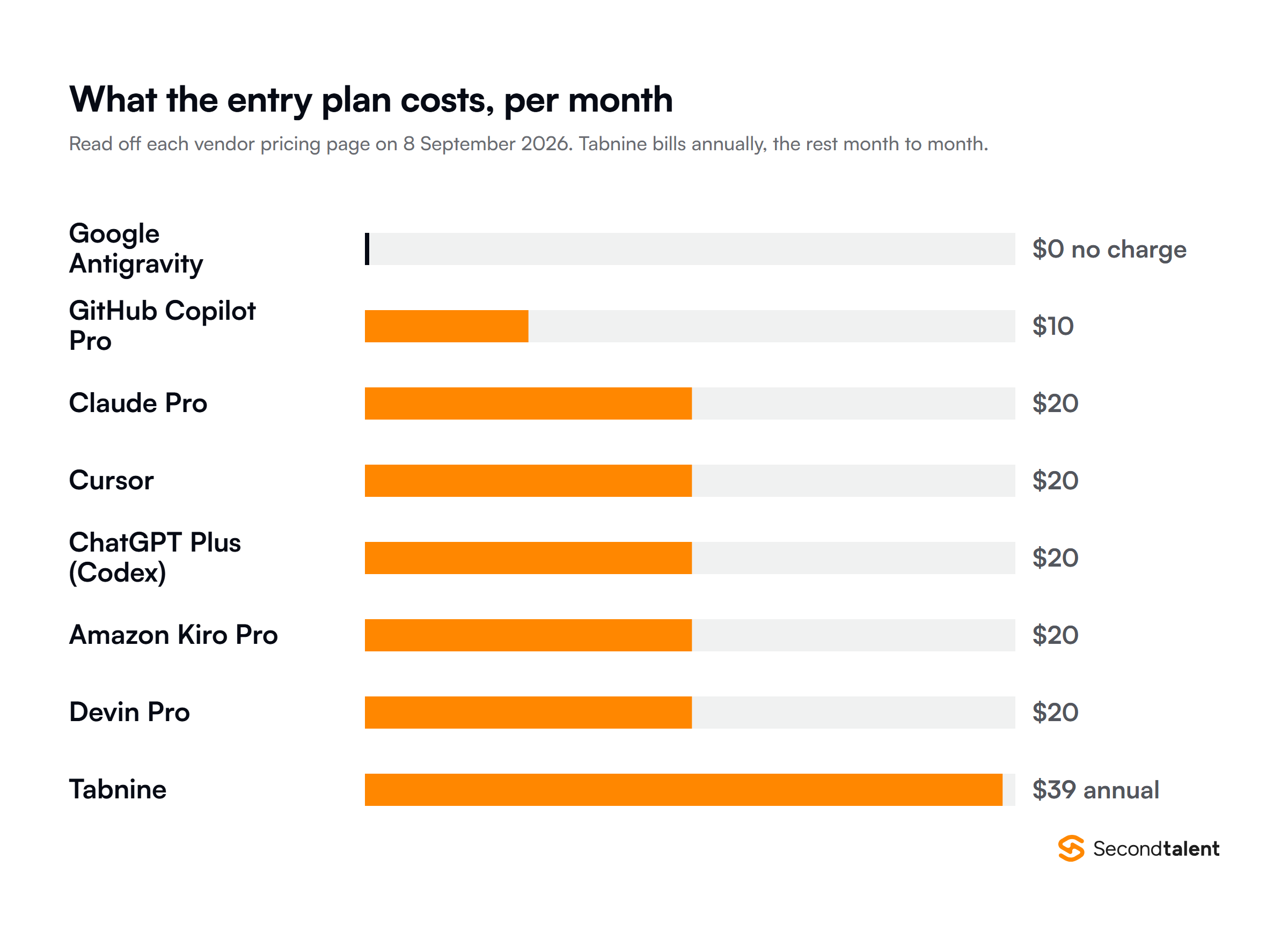
Entry pricing has converged on $20 a month, so the model is no longer the deciding factor. Pick on where the agent runs, how much of your repository it holds, and what it charges once you pass the included quota.
Most of the big AI coding agents now cost $20 a month. But $20 gets you a very different workflow depending on the tool you choose.
Claude Code works across an entire repository from the terminal. Cursor puts the agent inside your editor. Codex can take a task away and work on it in the cloud. Devin is built around handing an AI an actual ticket.
Kiro starts with a written spec.
I went through eight of the main agents in 2026 to compare what each one does, who it’s for, and what you’ll actually pay once you start using it heavily.
Quick Comparison of the Eight Agents
| Agent | Best for | Where it runs | Entry price |
|---|---|---|---|
| Claude Code | Large refactors, unfamiliar repositories | Terminal, IDE, Slack, web | $20/mo (Claude Pro) |
| Cursor | Editor-first daily feature work | Its own VS Code fork | $20/mo |
| GitHub Copilot | GitHub-heavy teams, enterprise rollout | VS Code, JetBrains, GitHub | $10/mo (Pro) |
| OpenAI Codex | Delegated background tasks | Cloud, CLI, IDE, iOS | $20/mo (ChatGPT Plus) |
| Google Antigravity | Running several agents at once | Desktop app, CLI, SDK | Free |
| Devin | Backlog work handed off as tickets | Web, CLI, Devin Desktop | $20/mo (Pro) |
| Amazon Kiro | Building from a written spec | IDE, CLI, web, mobile | $20/mo (Pro) |
| Tabnine | Regulated and air-gapped codebases | All major IDEs, self-hosted | $39/user/mo (annual) |
Four things that decide your pick
- The seat price has flattened at $20. The overage rate is the number that varies.
- Pick by where the work happens: your editor, a terminal, or a queue that returns pull requests.
- 84% of developers use or plan to use AI tools, and 46% distrust the accuracy of the output. Budget review time.
- 45% of AI-generated samples in Veracode’s tests carried an OWASP Top 10 flaw. Nothing merges unread.
Run the pilot on the overage, not the seat
Give three engineers a paid seat for a month and track how often they hit the quota, not how much they like the tool. On agent-heavy work the usage charge is the real line item, and it scales with headcount.
1. Claude Code
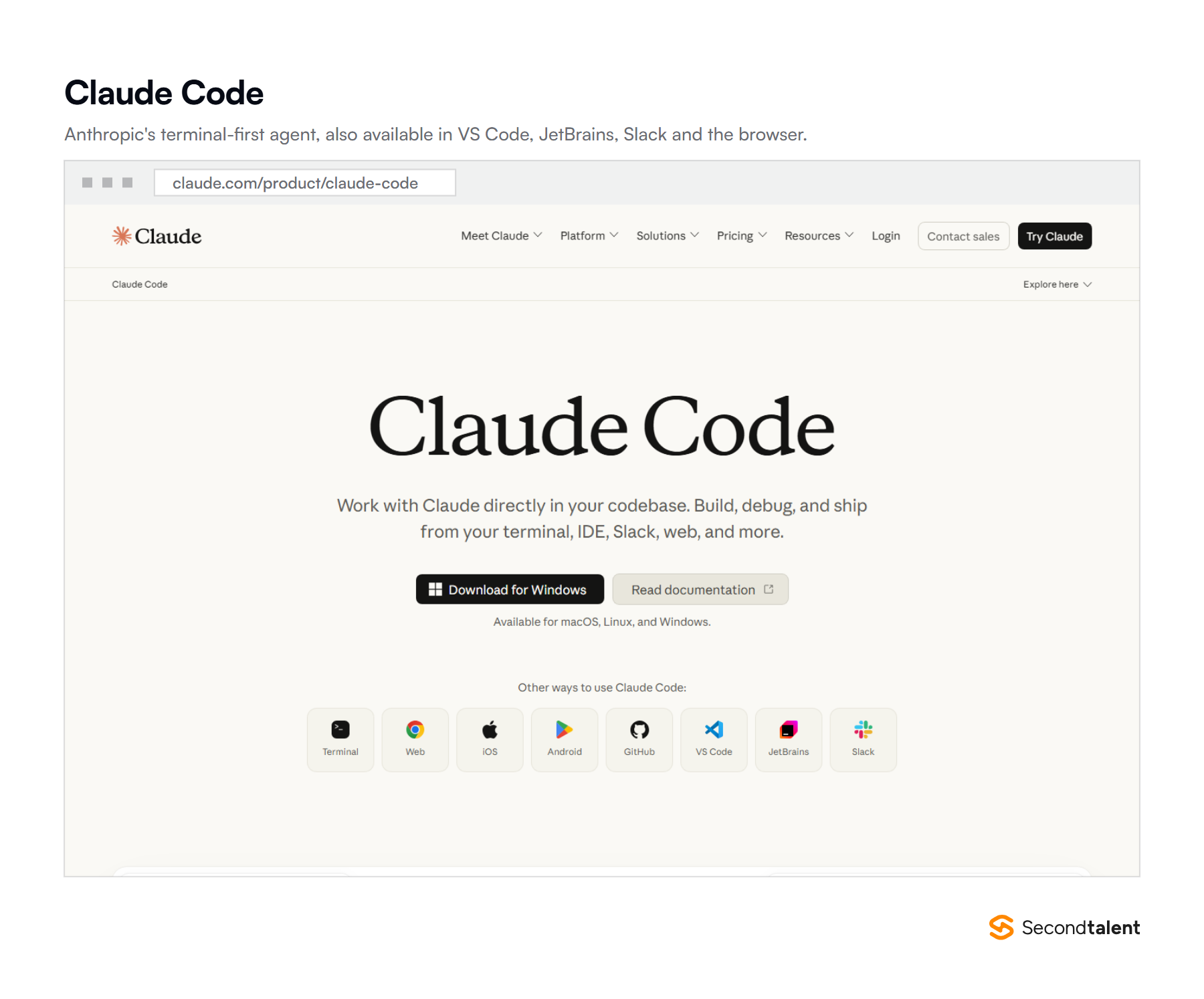
Claude Code is the one to reach for when a task spans a repository rather than a file. It runs in the terminal, reads the codebase, edits across many files, runs commands and tests, and works from a plan instead of a single prompt.
The terminal is where its behaviour is most predictable, but it is no longer terminal-only. Anthropic also ships it as a VS Code and JetBrains extension, in Slack, in the browser and on mobile.
A session can start at a desk and be checked later.
It is also the agent other products delegate to. GitHub now lets Copilot Pro subscribers hand work to third-party coding agents, Claude Code among them, which is a fair signal of where it sits on repository-scale work.
Usage runs on rolling five-hour session windows rather than one monthly pool, so a heavy afternoon can exhaust an allowance that resets the same evening.
Turning on usage credits keeps the session going at standard API rates once the plan allowance is spent.
- Best for: large refactors, test generation, and getting oriented in a codebase nobody on the team wrote.
- Where it struggles: long agent runs eat the rolling session quota quickly, and the command line is a real adjustment for developers who live in a GUI.
- Price: included with Claude Pro at $20 a month, Max plans from $100, Team seats at $25 a month or $20 each annually, and Enterprise at $20 a seat plus usage at API rates.
If you are weighing it against Google’s models on coding work, we compared them in Gemini versus Claude for coding.
2. Cursor
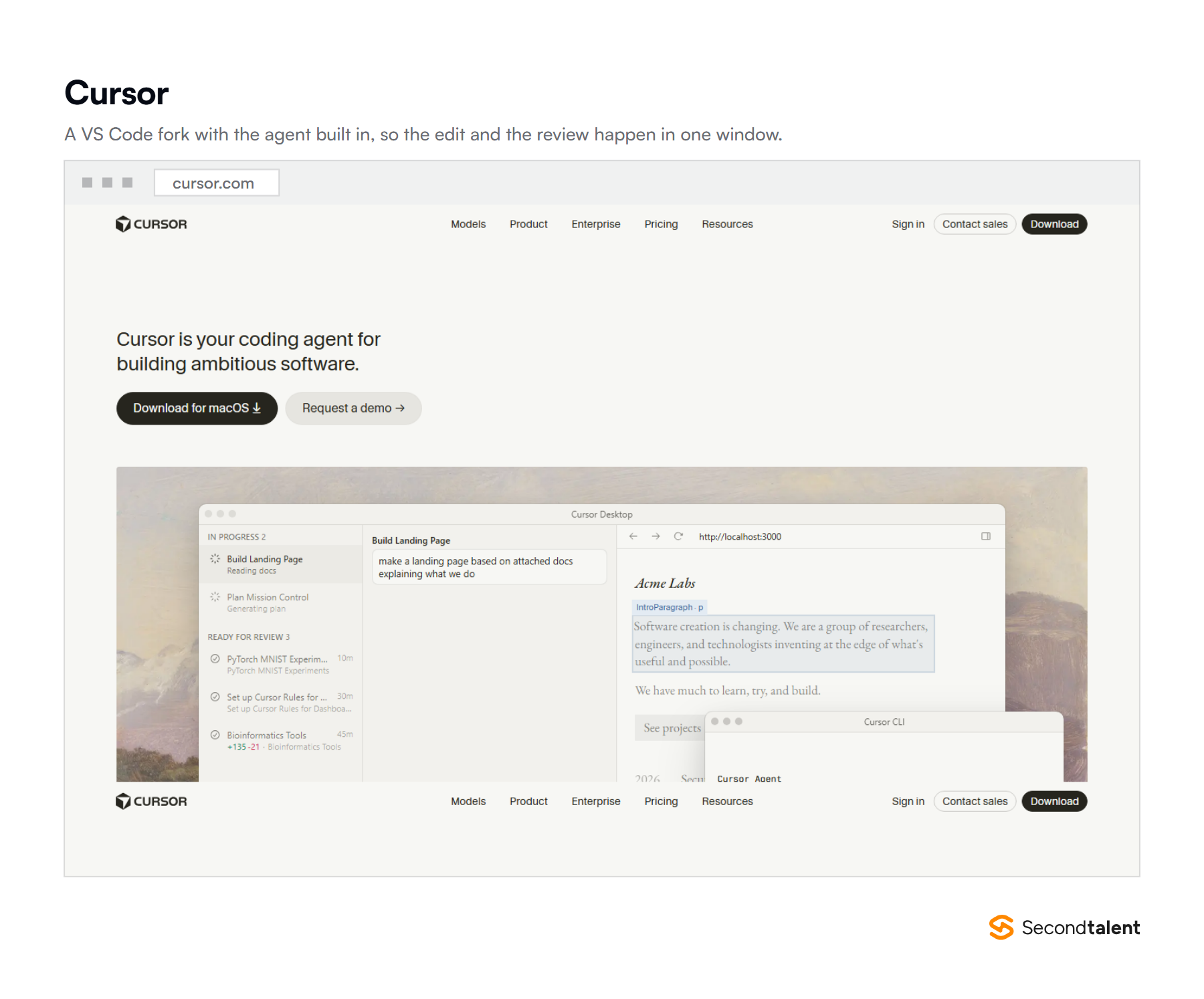
Cursor is the editor-first choice: a VS Code fork with the agent sitting where you already read code. Describe a change in plain language, and it edits across files, runs the tests and shows a diff you approve or reject.
The paid tier has grown well past autocomplete. It carries cloud agents that work outside your machine and Bugbot for agentic code review on pull requests. MCP servers, skills and hooks let the agent reach your own internal tools.
For a team, the draw is that review stays inline. The change and the diff appear in the same window, which is the shortest path from generated code to a human decision about it.
Governance sits above the $20 plan. Teams adds team-wide privacy mode and SAML or OIDC single sign-on.
Enterprise adds SCIM seat management, access controls for repositories, models and MCP servers, audit logs, and an API for tracking how much AI-written code lands.
- Best for: everyday feature work, and teams already standardised on VS Code.
- Where it struggles: you are adopting a whole editor rather than a plugin, which is a hard sell to a JetBrains shop, and Bugbot bills on usage.
- Price: free Hobby tier, Individual from $20 a month, Teams at $40 per user with shared context and SSO, Enterprise on request with pooled usage and audit logs.
We cover the wider editor-level field in our roundup of coding agents for VS Code.
3. GitHub Copilot
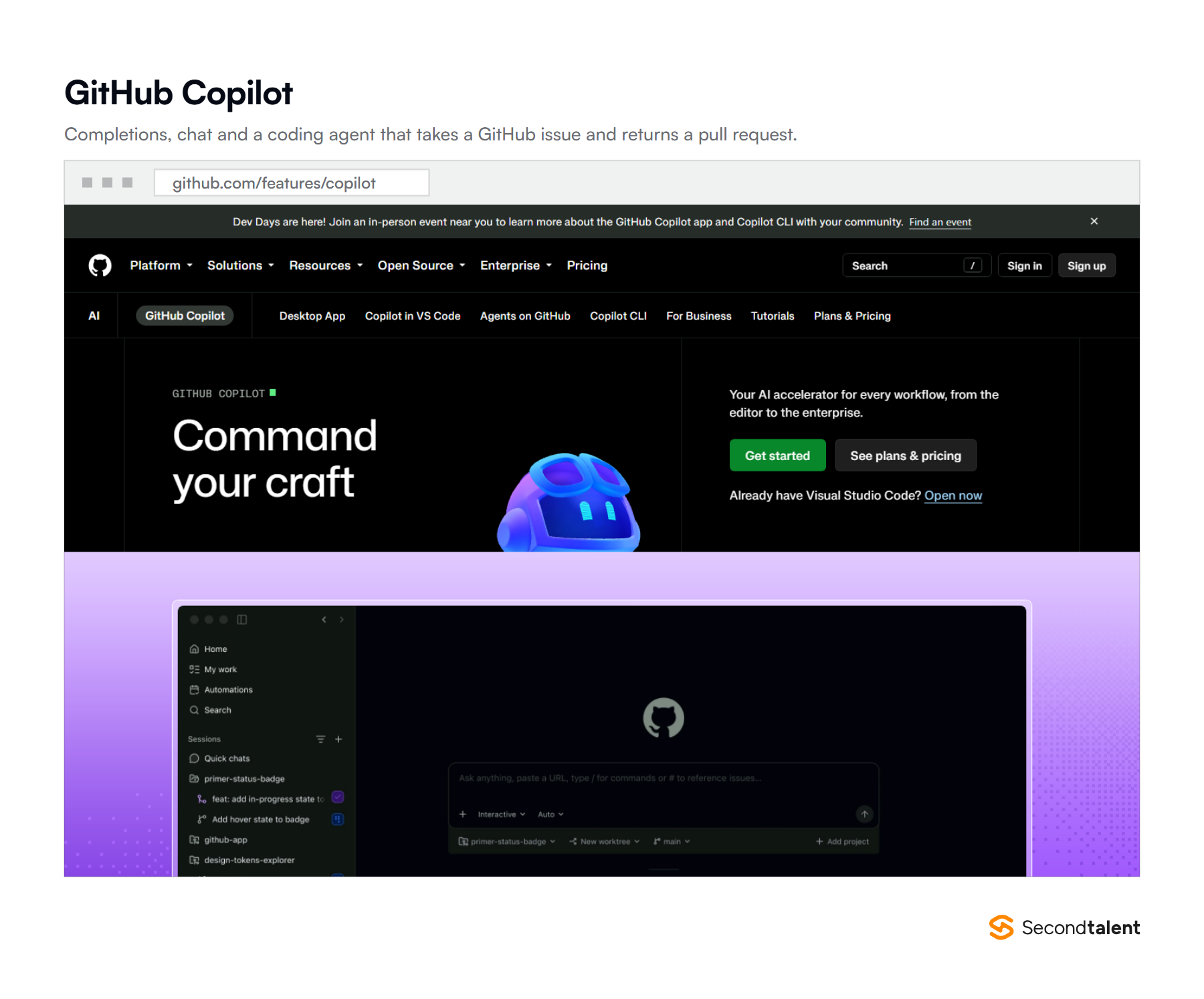
Copilot is still the default enterprise purchase, and the reasons are as much procurement as engineering.
It sits inside GitHub, works in VS Code, JetBrains and Visual Studio, and arrives with the governance controls a security team asks for before anything gets signed.
Its coding agent takes an issue and returns a pull request. That is where the volume sits.
GitHub counted more than one million pull requests from the agent between May and September 2025, and nearly 80% of new developers on the platform use Copilot in week one.
Billing changed in 2026. Paid seats now carry a monthly AI credit allowance for chat and agent work. Completions and next edit suggestions stay uncapped, and a $100 Max tier sits above Pro+.
Two details matter for a rollout. Completions and next edit suggestions do not draw on credits, so only chat and agent work does. Pro and above can also delegate a task to a third-party coding agent rather than Copilot own agent.
- Best for: teams whose work already lives in GitHub issues and pull requests.
- Where it struggles: the credit model makes heavy agent use hard to forecast, and completions on their own no longer separate it from anything else here.
- Price: free tier with 2,000 completions and 50 chat requests a month, then Pro at $10 with $15 of credits, Pro+ at $39 with $70, and Max at $100 with $200.
4. OpenAI Codex
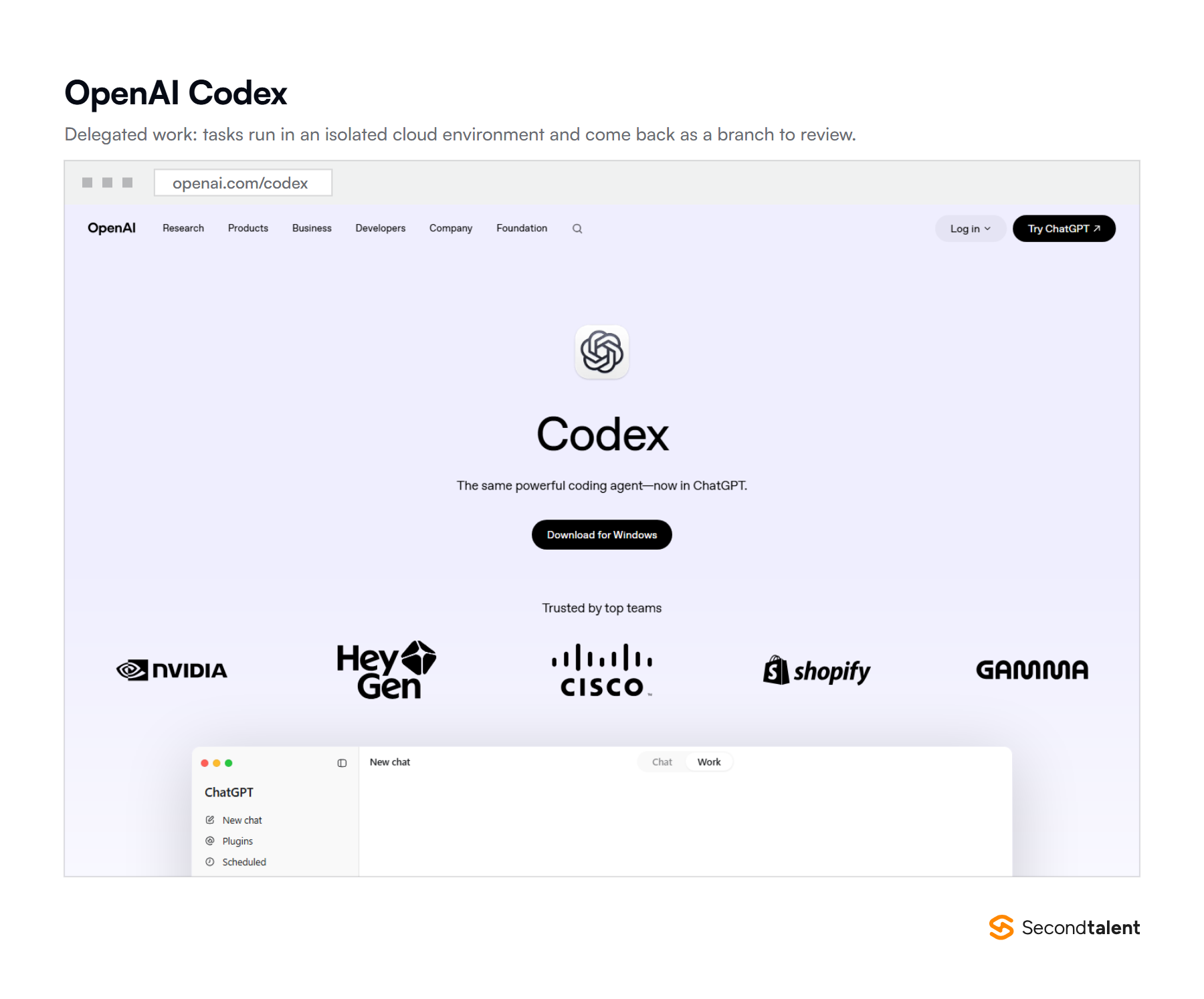
Codex is built for delegation rather than pairing. You hand it a task, it works in an isolated cloud environment, and the result comes back as a branch or a pull request for review.
It runs on the web, in a CLI, as an IDE extension and on iOS, so a task can start on a laptop and be checked from a phone. Business plans add larger virtual machines, which shortens the wait on long cloud runs.
Usage comes in ranges rather than fixed counts, because message limits depend on which model handles the task. Plus sits at roughly 10 to 100 messages per five-hour window on the top model, and far more on the lighter one.
Business plans keep prompts out of training by default and add SAML single sign-on, MFA and admin controls. Enterprise adds SCIM, encryption key management, role-based access and audit logs.
Usage is metered in credits per million tokens, so a verbose agent run costs more than a short one at the same message count.
- Best for: backlog items, migrations and anything you would rather queue than supervise.
- Where it struggles: spend on long agent runs is hard to predict, and the quota ranges make capacity planning imprecise.
- Price: bundled with ChatGPT plans, from a free tier and Go at $8 to Plus at $20, Pro at $100 or $200, and Business at $20 per user on annual billing.
5. Google Antigravity
Antigravity is Google’s agent-first development platform, and the cheapest way to find out whether that workflow suits your team, because the developer version is free.
The 2.0 desktop app launched at I/O 2026 with dynamic subagents, scheduled task automation, and one-click export from AI Studio into a project. There is also a CLI for terminal work and an SDK for driving agents programmatically.
The same infrastructure powers managed agents in the Gemini API. A team that starts in the desktop app can move the pattern into its own product later without rebuilding the plumbing.
The free tier is the product rather than a trial. The app downloads for Windows and for both Apple Silicon and Intel Macs, and paid usage limits arrive through a Google AI subscription instead of a separate licence.
- Best for: running several agents in parallel, and teams already building on Google Cloud, Android or Firebase.
- Where it struggles: it is the youngest product here and the surface changes between releases, so internal documentation dates quickly.
- Price: free for individual developers. Higher usage limits come through a Google AI subscription rather than a separate Antigravity fee.
6. Devin
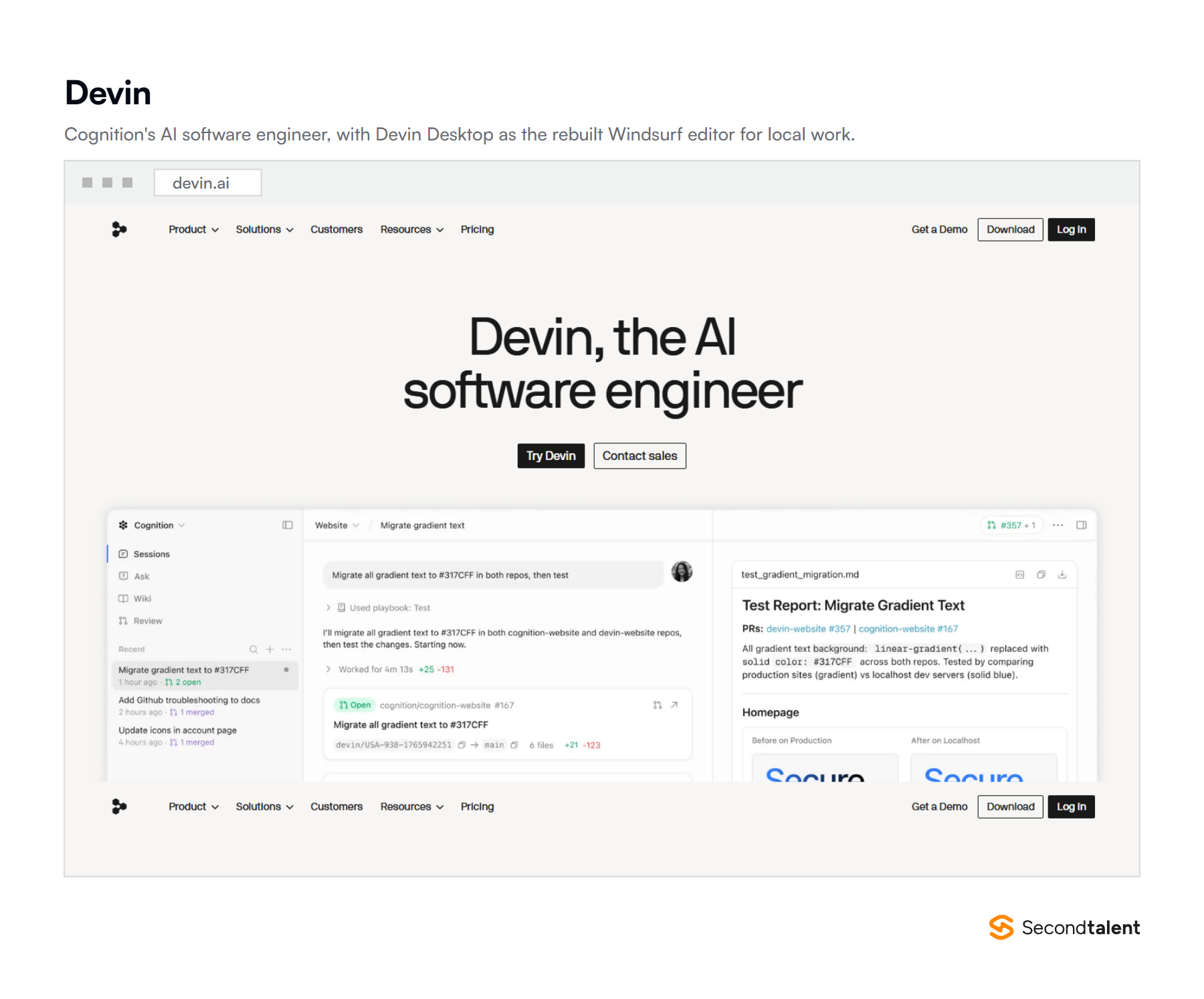
Cognition sells Devin as an AI software engineer you assign work to rather than sit beside. You give it a ticket, it works in its own environment, and you review what comes back.
This is also where Windsurf went. Cognition bought it in July 2025 and relaunched the editor as Devin Desktop on 2 June 2026.
An agent command centre is the default surface, Spaces let related agents share context, and the Agent Client Protocol lets third-party agents run alongside Devin.
The product now assumes you are managing several agents rather than pairing with one. That suits a team with a groomed backlog, and it exposes a team without one: vague tickets produce vague work, and nobody notices until review.
The quota structure is worth reading before you buy. Pro and Teams full seats carry a daily and a weekly allowance. The daily figure sits above one seventh of the weekly one, so a weekend push is not blocked.
Max runs on a weekly allowance alone. On-demand credits are pooled across a team and do not expire.
- Best for: well-specified backlog items, and teams that already write clear issues.
- Where it struggles: value tracks how disciplined your issue writing is, and the review load lands in one place.
- Price: free tier, then Pro at $20 and Max at $200 a month, with Teams from $80 a month plus $40 per full seat. On-demand credits cover work beyond the quota and roll over.
7. Amazon Kiro
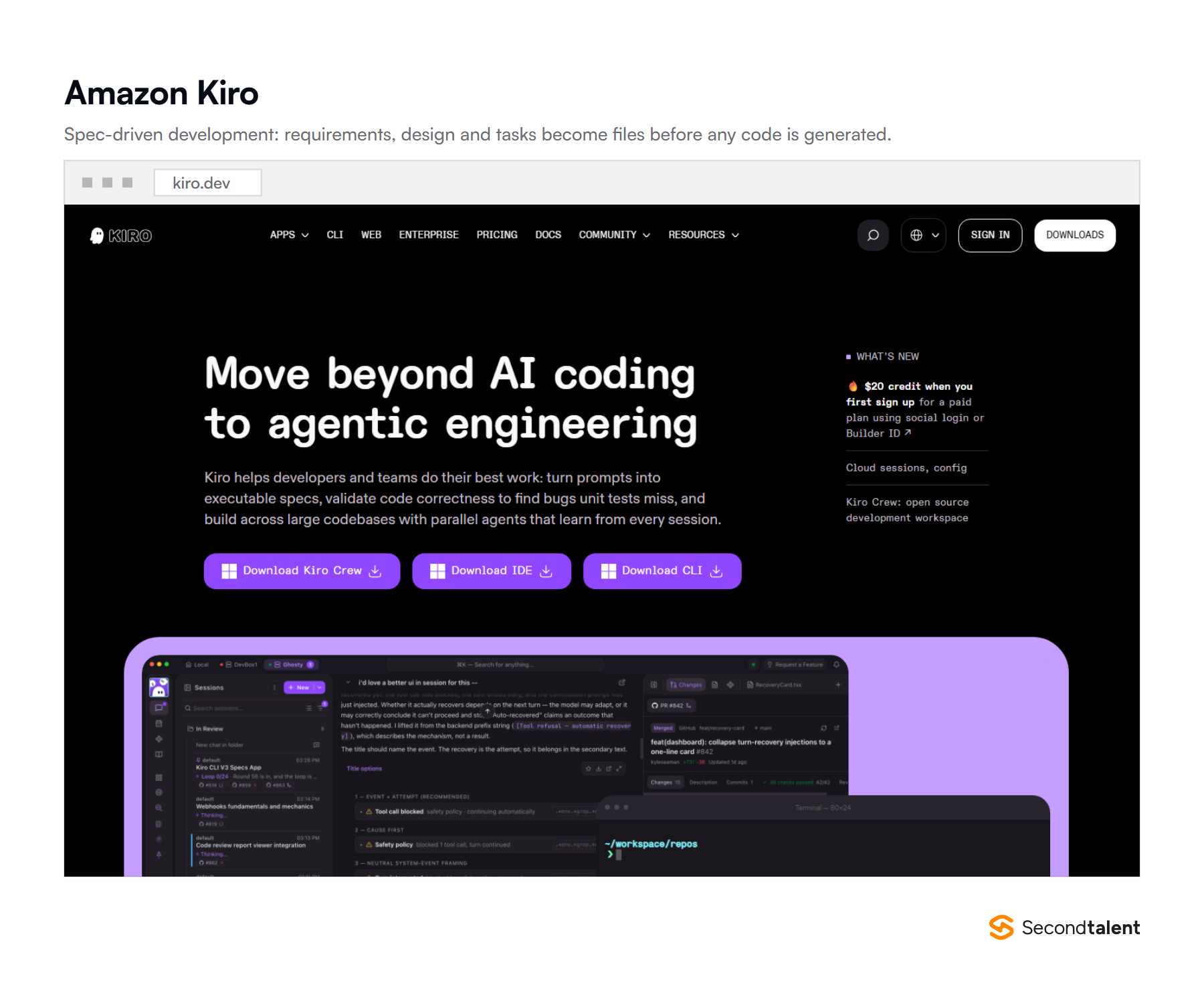
Kiro’s difference is spec-driven development. Instead of prompting straight into code, you work through requirements, a design and a task list, all written to files in the repository. The plan then drives the agent.
That makes the work reviewable by someone who was not there when the prompt was written, which is the part that matters on a team. It runs as an IDE, a CLI, on the web and on mobile, and can put parallel agents on a large codebase.
Credits are metered to two decimal places rather than counted per prompt. A simple question can cost under one credit and a spec task usually costs several.
The rate also moves with the model you pick, so two teams on the same plan can post very different usage.
Kiro is also where AWS is sending its existing users. Amazon CodeWhisperer became Q Developer.
AWS now states that support for Q Developer IDE plugins ends on 30 April 2027, naming Kiro as the replacement for agentic coding, chat and MCP support.
- Best for: new services, and teams that want the reasoning behind a change committed alongside it.
- Where it struggles: the spec step is overhead on a two-line fix, and credit consumption per task shifts with the model you choose.
- Price: free tier with 50 credits, then Pro at $20 for 1,000 credits, Pro+ at $40, Pro Max at $100 and Power at $200 per user a month.
8. Tabnine
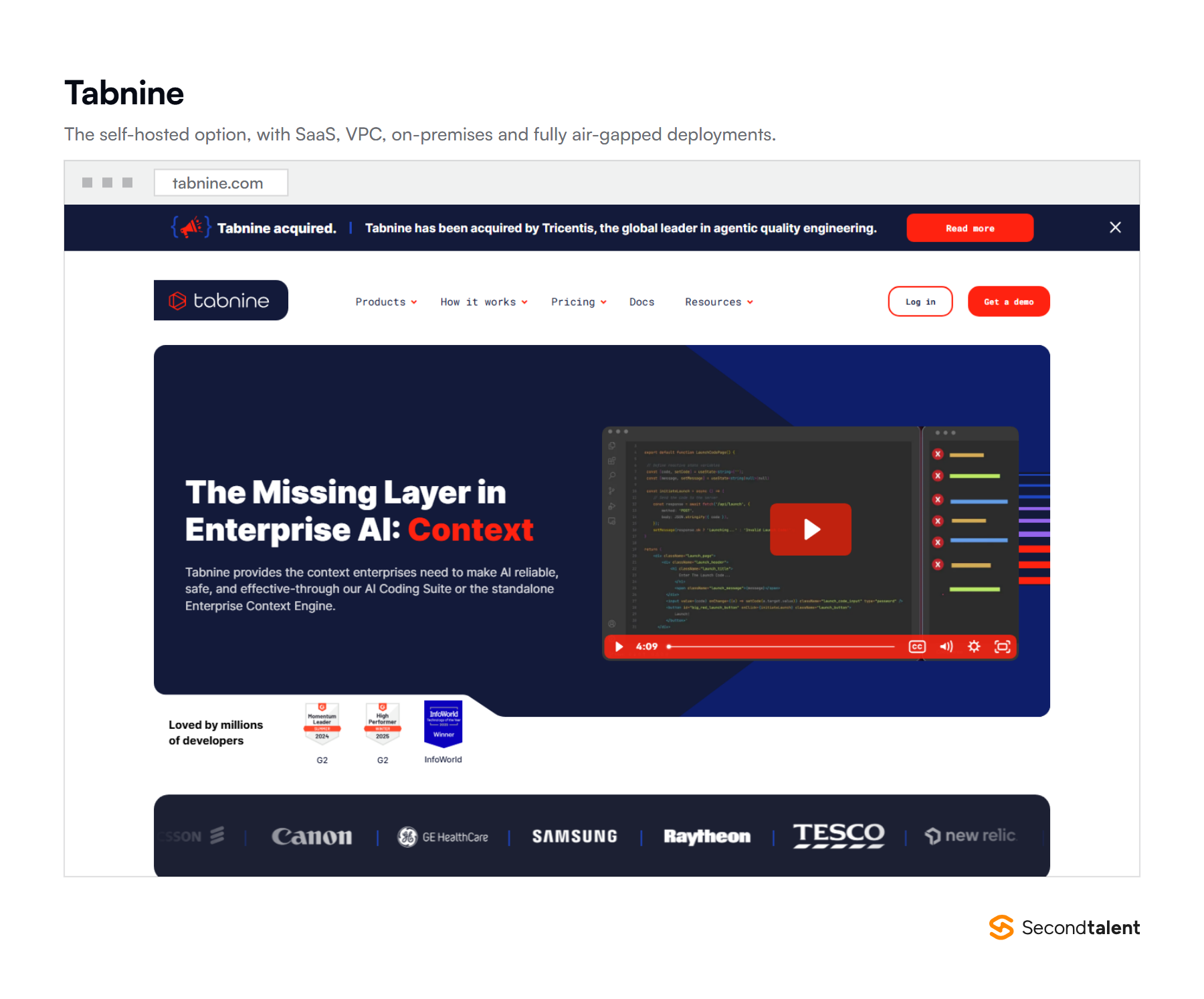
Tabnine is the pick when the code cannot leave your network. It runs as SaaS, inside your own VPC, on-premises or fully air-gapped, and that deployment choice is the product.
The agentic tier adds tool access over MCP, covering Git operations, test frameworks and systems like Jira. A CLI agent runs locally, over a remote session or inside CI.
Coaching guidelines let a platform team encode its own standards, so output matches house style rather than the model’s defaults.
Banks, defence suppliers and health systems buy it for the data boundary, not the benchmark scores. If your contracts carry a residency clause, this is often the only entry on this list that clears legal.
Agents run with or without a human in the loop, including headless inside CI through a paid add-on. That is the enterprise pitch in one line: the standards that govern a developer IDE also apply to automated runs on the build server.
- Best for: regulated industries, and any codebase under a contractual data residency requirement.
- Where it struggles: there is no cheap individual tier any more, and self-hosting carries its own operating cost.
- Price: $39 per user a month for the code assistant platform and $59 for the agentic platform, both on annual billing, with headless agents as a paid add-on.
Two others deserve a mention without a ranking. Amp, from Sourcegraph, replaced Cody for individual developers after Sourcegraph closed the Cody Free and Pro plans in July 2025, and it bills usage at provider API rates.
Cline is open source and runs on your own key, which suits teams that want the harness without a subscription.
What the Payoff Actually Looks Like
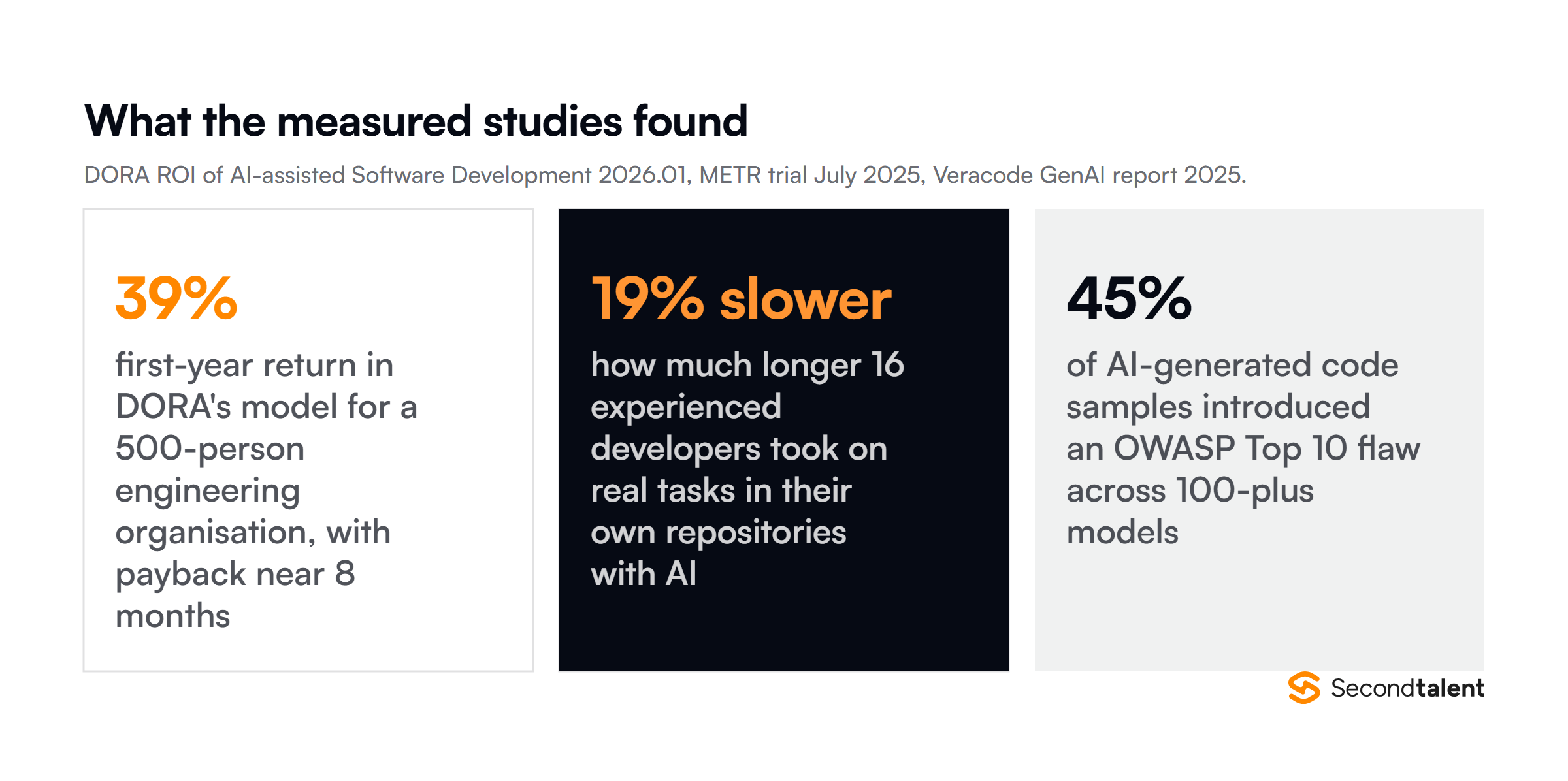
DORA’s ROI report, published in May 2026, models a 39% first-year return for a 500-person engineering organisation, with payback near eight months and change failure rate rising from 5% to 6%.
Gains run 35% to 40% on greenfield work and often 10% or less on complex legacy code. Two studies mark the limits. A METR trial found experienced developers took 19% longer with AI while believing they had been faster.
Veracode found 45% of generated samples carried an OWASP Top 10 flaw. More of it sits in the vibe coding statistics and our productivity tooling roundup.
What This Means for Hiring
The scarce skill is no longer typing code. It is judging output fast enough to keep up with an agent that outproduces any reviewer. That is why AI-native engineers screen differently from traditional ones.
Hand a candidate agent-generated code with a real flaw and ask what they would ship.
It matches the top frustration Stack Overflow respondents named, 66% citing AI answers that are almost right, and our full method is in how to evaluate engineering talent remotely.
Second Talent vets and places engineers across nine Asian markets, including Python developers who already work this way. Tell us what you are building and we will match you with vetted candidates.
Frequently Asked Questions
What is an AI coding agent?
An AI coding agent plans and carries out multi-step development work on its own, rather than suggesting the next line. It reads a codebase, edits several files, runs commands and tests, then returns a result for review.
Autocomplete answers the question at the cursor; an agent takes a task and works until it is done.
What happened to Windsurf, Cody and CodeWhisperer?
Cognition acquired Windsurf and relaunched it as Devin Desktop in June 2026. Sourcegraph closed Cody Free and Cody Pro in July 2025, moving individual developers to Amp while keeping Cody for enterprise customers.
CodeWhisperer became Amazon Q Developer, and AWS now points IDE plugin users to Kiro before that plugin loses support in April 2027.